
Firmware FaceStation 2
Suprema FaceStation 2
Modelul FaceStation 2 face parte din gama Suprema, categoria „Access control”.
Câteva date tehnice importante: ecran de 4" și funcționare între −20 și +50 °C. Ca gabarit, cântărește 555 g și are dimensiunile 140.9 x 197.5 x 86.2 (mm).
Ultima versiune de firmware publicată de Suprema pentru FaceStation 2 este V1.5.5 build 240821, din 26.08.2024. Mai jos găsești link-ul oficial de descărcare, notele de versiune și versiunile anterioare.
Firmware-ul se încarcă de obicei din interfața web a aparatului sau din software-ul de administrare al producătorului.
Tabelul de specificații de mai jos conține toate datele tehnice publicate de producător, traduse în română.
Firmware actual
| Versiune | Data | Regiune | Descărcare și note |
|---|---|---|---|
| V1.5.5 build 240821FaceStation 2 firmware 1.5.5 | 26.08.2024 | Global | fișierul se descarcă din Download Center Suprema (cont gratuit, cu login) Note: Release notes (Suprema Docs) Ce e nou în această versiune (textul producătorului)Build No. 1.5.5_240821 Caution For devices with the new SE processor, after upgrading the firmware to v1.5.3 or higher, you cannot downgrade to a lower version and downgrade the firmware customized in the lower version. Devices with existing SE processor can be downgraded to a lower version. For more information, check the serial number of the device and contact the Suprema . New Features and Improvements Improved to get user update succeeded event log using the GetLogWithFilter function in the SDK. Improved to ensure that values set with osdp_comset are correctly applied on the device connected as a slave. Bug Fixes Authentication result is displayed when accessing the admin menu via facial authentication. Affects version : 1.5.2 The user ID stored as a 32-character string is truncated to only 31 characters in a specific event log. Affects version : 1.0.0 When a user with a 32-character user ID authenticates to the device while the device is not connected to the server, the authentication event log is not updated in BioStar 2 even after the device is reconnected to the server. Affects version : 1.0.0 Deleted image logs from the device gets continuously uploaded to the server. Affects version : 1.5.2 When entering the Wireless , duplicate SSID are displayed. Affects version : 1.0.0 |
Versiuni anterioare
| Versiune | Data | Regiune | Descărcare și note |
|---|---|---|---|
| V1.5.4 build 230927FaceStation 2 firmware 1.5.4 | 24.10.2023 | Global | fișierul se descarcă din Download Center Suprema (cont gratuit, cu login) Note: Release notes (Suprema Docs) Ce e nou în această versiune (textul producătorului)Build No. 1.5.4_230927 Caution For devices with the new SE processor, after upgrading the firmware to v1.5.3 or higher, you cannot downgrade to a lower version and downgrade the firmware customized in the lower version. Devices with existing SE processor can be downgraded to a lower version. For more information, check the serial number of the device and contact the Suprema . New Features and Improvements - Improved to select and update only the desired information when updating user information. (Compatible with BioStar v2.9.0 or higher) Bug Fixes When authenticating with a BLE mobile card running on iOS, authentication fails and the device restarts intermittently. Affects version : 1.4.0 Deleting all users included in an access group in BioStar 2 does not delete the access group from the device's user information. Affects version : 1.0.0 Device does not recognize certain HID iCLASS Seos cards. Affects version : 1.0.0 Door Locked event occurs when input signal gets detected while configured to Arm/Disarm by input signal. Affects version : 1.0.0 Intermittently, the door does not open even if authentication succeeds when the door uses the slave device's relay. Affects version : 1.0.0 When a user registered in BioStar 2 is sent to the device and authenticated with a face or card, the user is intermittently not authenticated and the device restarts. Affects version : 1.0.0 Restart log is not logged in the device's Event Log when the master device is restarted. Affects version : 1.5.3 Global APB behavior for the same input was different depending on firmware version. Affects version : 1.5.0 When the device with the working Screen Saver is not used for a long time, a black screen occurs and the device freezes. Affects version : 1.4.0 Device abnormally restarts when changing the device's Network settings in BioStar 2. Affects version : 1.0.0 |
| V1.5.3 build 221005FaceStation 2 firmware 1.5.3 | 01.11.2022 | Global | fișierul se descarcă din Download Center Suprema (cont gratuit, cu login) Note: Release notes (Suprema Docs) Ce e nou în această versiune (textul producătorului)Build No. 1.5.3_221005 Caution For devices with the new SE processor, after upgrading the firmware to v1.5.3 or higher, you cannot downgrade to a lower version and downgrade the firmware customized in the lower version. Devices with existing SE processor can be downgraded to a lower version. For more information, check the serial number of the device and contact the Suprema . New Features and Improvements - Supports the dual SE processor. Bug Fixes Migration malfunction occurs when the firmware is upgraded from v1.3.1 or earlier to v1.4.0 or later. Affects version : 1.4.0 - Migration did not complete and the device boots to the main screen, some keys do not work or an abnormal screen is displayed. Intermittently, the image log is logged abnormally. Affects version : 1.4.2 Mobile card authentication suddenly does not work. Affects version : 1.4.0 When using the card to authenticate to the device, the card that was normally authenticated fails intermittently. Affects version : 1.0.0 Device does not boot correctly. Affects version : 1.0.0 Device abnormally restarts when Image Log is Enabled and image log is logged on the device. Affects version : 1.5.1 User ID information was not included when using the BS2_GetLogSmallBlobEx function in the SDK to load the event log for the device's mask detection and temperature measurement operation. Affects version : 1.0.0 Device does not recognize certain HID iCLASS Seos cards. Affects version : 1.0.0 |
| V1.5.2 build 220614FaceStation 2 firmware 1.5.2 | 16.06.2022 | Global | fișierul se descarcă din Download Center Suprema (cont gratuit, cu login) Note: Release notes (Suprema Docs) Ce e nou în această versiune (textul producătorului)Build No. 1.5.2_220614 New Features and Improvements - Improved to check for the duplication of cards registered with users when transmitting user data from the server to devices. Bug Fixes The 'Delete the Root Certificate' was not displayed when a user with the administrator level accessed the menu on the device where the certificate was stored. Affects version : 1.1.1 Abnormal continuous authentication occurs when using the thermal camera. Affects version : 1.4.0 When initializing the master device with the 'Keep Network Settings' option, the RS-485 communication key was initialized and the slave device was disconnected. Affects version : 1.0.0 When loading the logs for the user who entered the admin menu using the SDK, the user ID was not displayed. Affects version : 1.0.0 'Device → Server' connection did not work intermittently. Affects version : 1.4.0 If some ports of the OM-120 connected as a slave are set as a door relay and the device is rebooted, the relay was operated abnormally. Affects version : 1.0.0 The device rebooted abnormally when a user scanned a card on the device with several cards overlapped in a wallet or the like. Affects version : 1.0.0 The user did not touch the device's touchscreen, but an abnormal touch behavior occurred on the device. Affects version : 1.5.0 If the user authenticated on the device at the time of Auth Timeout, it was authenticated, but the door was not opened. Affects version : 1.4.0 Unable to edit Subnet Mask value on device. Affects version : 1.4.0 PIN authentication did not work properly when using Device Hashkey Management. Affects version : 1.4.0 The user ID was abnormally displayed in the event log if the user authenticated with AoC set as the blacklist card when the User ID Type was set to Alphanumeric. Affects version : 1.0.0 When authenticating on a device that has dual authentication set up, the authentication success sound is not output for the dual authentication result, and the home screen is maintained. Affects version : 1.5.0 When authenticating on a device that has dual authentication set up, if the second user failed to authenticate, the failure message was displayed twice. Affects version : 1.5.1 When viewing the event log, the date selection pop-up window did not disappear even after the Menu Timeout. Affects version : 1.0.0 When setting the elevator to the scheduled unlock zone and using the 'Started by User Authentication' option, the floor is activated normally when a user belonging to the access group authenticates, but the 'Floor released' logs are output. Affects version : 1.0.0 When the LAN cable was removed and reconnected, it took a long time to receive the DHCP IP assignment. Affects version : 1.0.0 False Acceptance (FA) occurred continuously. Affects version : 1.5.0 |
| V1.5.1 build 211203FaceStation 2 firmware 1.5.1 | 13.12.2021 | Global | fișierul se descarcă din Download Center Suprema (cont gratuit, cu login) Note: Release notes (Suprema Docs) Ce e nou în această versiune (textul producătorului)Build No. 1.5.1_211203 New Features and Improvements Applied a code to compensate for the incorrect flag of the face template. Improved security vulnerability. - Removed UDP port for debug. Bug Fixes Scanning a fingerprint to enroll on the slave device caused an error and failed enrollment. Affects version : 1.5.0 The device failed to recognize the iCLASS Seos card suddenly (FS2-AWB). Affects version : 1.5.0 or earlier Abnormal authentication failure occurred if a user authenticates with card+face or ID+face on the slave device when using server matching. Affects version : 1.5.0 or earlier Slave devices are disconnected when the master device is rebooted. Affects version : 1.5.0 or earlier Abnormal authentication failure occurred when the slave device's auth mode was set to card+fingerprint. Affects version : 1.4.0 or later, 1.5.0 or earlier |
| V1.5.0 build 210628FaceStation 2 firmware 1.5.0 | 08.07.2021 | Global | fișierul se descarcă din Download Center Suprema (cont gratuit, cu login) Note: Release notes (Suprema Docs) Ce e nou în această versiune (textul producătorului)Build No. 1.5.0_210628 Main Fixes - Incorrect temperature was displayed when authenticating from a slave device with the thermal camera. Affects version : 1.4.0, 1.4.1, 1.4.2 New Features and Improvements Occupancy limit zone support Added support for the option to toggle Screen Saver for slave devices. Improved manually turning the secure tamper on or off even when the default hash key is set. Separated event logs of Mobile Access cards and RFID cards. Improved that the thermal camera works first when both the thermal camera and Wiegand bypass are set. Changed to a new touch pad For devices with firmware version 1.4.2 or earlier, please follow the instructions below when replacing the front cover (touch pad). Replace the front cover after upgrading the firmware to version 1.5.0 or later. If you have already replaced the front cover before upgrading the firmware to version 1.5.0 or later, please upgrade to the latest version firmware again. Bug Fixes The RS-485 communication did not work properly when connecting the device to a third-party controller after activating the Secure Communication mode. Affects version : 1.4.2 or earlier A large number of 'Door closed' logs occurred abnormally when the door sensor was set to the input port of Secure I/O 2 connected as a slave device. Added defensive code to initialize if an error in the IR LED value occurs. Affects version : 1.3.0 or earlier The screen was abnormally displayed when the second user authentication was successful on a slave device with dual authentication. Affects version : 1.4.2 or earlier An abnormal event log occurred when the temperature measurement failed after setting the temperature mode to 'Temperature Check Before Authentication'. Affects version : 1.4.0, 1.4.1, 1.4.2 An abnormal event log occurred when measuring temperature after setting the temperature mode to 'Check Temperature Only'. Affects version : 1.4.0, 1.4.1, 1.4.2 The changed settings were reflected in the log but were not displayed properly on the screen when the time and attendance code settings were changed. Affects version : 1.4.2 or earlier The relay operated as Off (Lock) after setting the scheduled unlock zone in the elevator and rebooting the master device. Affects version : 1.4.2 or earlier The performed action, such as temperature output, was different from the intended action responding to the input signal set in the Trigger & Action feature when using the Suprema Thermal Camera. Affects version : 1.4.0, 1.4.1, 1.4.2 An issue of Suprema Thermal Camera screen being maintained even when the thermal imaging camera was toggled from 'Enabled' to 'Disabled'. Affects version : 1.4.0, 1.4.1, 1.4.2 The device abnormally terminated when establishing a communication connection with 'Device → Server'. Affects version : 1.4.2 or earlier All files in the database were deleted after exporting them to a USB. Affects version : 1.4.2 or earlier The slave device rebooted abnormally. Affects version : 1.4.2 or earl |
| V1.4.2 build 210409FaceStation 2 firmware 1.4.2 | 12.04.2021 | Global | fișierul se descarcă din Download Center Suprema (cont gratuit, cu login) Note: Release notes (Suprema Docs) Ce e nou în această versiune (textul producătorului)Build No. 1.4.2_210409 New Features and Improvements Replaced with a new LCD screen - After upgrading a firmware to v1.4.2, you cannot downgrade the firmware to the previous version that includes the kernel and U-Boot. Added minimum and maximum threshold temperature functions. Temperature input range: 1–45℃ Default value of minimum threshold temperature: 32℃ Bug Fixes - The thermal camera froze up when updating resources via BioStar 2. |
| V1.4.1 build 210203FaceStation 2 firmware 1.4.1 | 16.02.2021 | Global | fișierul se descarcă din Download Center Suprema (cont gratuit, cu login) Note: Release notes (Suprema Docs) Ce e nou în această versiune (textul producătorului)Build No. 1.4.1_210203 New Features and Improvements Suprema Thermal Camera (TCM10-FS2) SDK Revision FPS 8.3 applied The management service is separated to recover the system safely after the device stops working abnormally. The infrared image motion stopped working or the device was restarted while using the thermal camera. The specifications of captured image buffer were modified. Renamed the thermal camera's feature (English only) Before: Emission Rate After: Emissivity Bug Fixes Disconnected logs frequently occurred when the device was used with Secure I/O 2. Affects version : 1.4.0 or earlier Doors were not applied in the open state when the device was restarted with the door set to manual open mode. Affects version : 1.4.0 The Secure Tamper could not be manually turned off by the default hash key. Affects version : 1.4.0 |
| V1.4.0 build 200918FaceStation 2 firmware 1.4.0 | 28.09.2020 | Global | fișierul se descarcă din Download Center Suprema (cont gratuit, cu login) Note: Release notes (Suprema Docs) Ce e nou în această versiune (textul producătorului)Build No. 1.4.0_200918 Main Fixes When all or user data were exported to a USB and then the user data were imported again after upgrading the device firmware, the event log was deleted. Logs generated while the device is disconnected are not sent to BioStar 2, even after the device is reconnected. New Features and Improvements Added feature to change device ID. Enhancement in the security of the device. Restrict unencrypted connections. Enhancement in security of encryption keys. Encrypt and migrate user information. Improved Anti-passback zone to operate based on the door status. Improved the scheduled unlock zone function for each floor when controlling elevator. Supports server matching. Supports the Mobile Access V1.1. Supports the thermal camera. Supports the Screen Saver. Improved the face authentication algorithm for users with glasses. Supports the new face template. Face templates scanned or enrolled on devices with the firmware version 1.4.0 or later are not compatible with devices with firmware version 1.3.1 or earlier, and authentication may fail due to this incompatibility. If the firmware of the face authentication device connected as a slave is the latest version (FaceStation 2: 1.4.0 or later, FaceLite: 1.2.0), authentication may fail because it is not compatible with the existing template. Increased maximum number of users (1 :N ). Before: 3,000 After: 4,000 Supports new device. - XPass D2 (Rev 2) Bug Fixes Modified that the authentication mode of the slave device is set according to the setting of the master device. Authentication of fingerprints registered as duress fingerprints failed on the BioStation A2 connected as a slave device. Card data is output with wrong BitCount when the device is connected to a 3rd-party system via OSDP. The automatic Wi-Fi connection function did not work. Some or all of the image log colors appear garbled. It recognized registered users as unregistered when accessing job codes with assigned cards. Device reboots if the face of an existing registered user is changed when the number of registered users is the maximum. An OSDP security session error occurred when connecting OM-120 and XPass D2 as a slave device. An excess error occurred when registering new user faces or editing registered users even though the number of registered faces did not reach the maximum capacity. The registered user data disappeared and the device rebooted if a user attempted to register a card when the number of registered users was at maximum capacity. An error occurs when matching with groups when there are 5,000 users and 5 user groups are used. The slave device did not work with group matching even though the group matching was set in the master device. When an administrator is resent from a device with a new firmware applied, it is recognized as an unregistered user and cannot enter the administrator menu. An error in the master-slave connection occurred due to the RS-485 communication key. After a global anti-passba |
| V1.3.1 build 200422FaceStation 2 firmware 1.3.1 | 27.04.2020 | Global | fișierul se descarcă din Download Center Suprema (cont gratuit, cu login) Note: Release notes (Suprema Docs) Ce e nou în această versiune (textul producătorului)Build No. 1.3.1_200422 Bug Fixes Changed the firmware downgrade policy. - The kernel of the firmware before the touch panel is replaced has been changed not to downgrade. Adjusted the brightness of the IR LED. |
| V1.3.0 build 190805FaceStation 2 firmware 1.3.0 | 25.09.2019 | Global | fișierul se descarcă din Download Center Suprema (cont gratuit, cu login) Note: Release notes (Suprema Docs) Ce e nou în această versiune (textul producătorului)Build No. 1.3.0_190805 Main Fixes The master device abnormally shuts down if it is operated after reconnecting a disconnected slave device. The master device reboots abnormally when a user authenticates the face to the slave device continuously. The master device abnormally shuts down if the RS-485 mode of the master device is changed after disconnecting the 31 connected slave devices. New Features and Improvements OSDP Standardization - Improved to comply with OSDP V2.1.7 protocol when connecting with 3rd-party controllers. Increase of the number of administrators that can be added. Support to the Clear APB for each user. Supports options by card type. Increase of the maximum number of floor levels to up to 2,048. Add the event items to IMAGE LOG menu. Change the way new settings are applied when adding administrators using batch edit of devices. Before: Overwrite a new setting to existing settings. After: Add a new setting to existing settings. Supports the duplicate face check when registering users on a device. Supports setting options for Wiegand authentication result output. - User ID and Card ID Supports Anti-Tailgating at doors. If the data transmission fails when communicating with OSDP, it is transmitted again. Improves the Enhanced fake face enrollment block. Improves the usability. - expanded the area of the menu button. Support for RS-485 connections to new devices - XPass 2 (XP2-MDPB, XP2-GDPB, XP2-GKDPB) Bug Fixes When upgrading firmware using USB, upgrade fails due to a timeout. - Change the timeout from 90 seconds to 5 minutes. Scanning a deleted card to the device causes the device to restart abnormally. The device recognizes the iCLASS Seos card as a CSN card. Importing user data exported from BioStation A2 causes the device to restart abnormally. Start time is not applied in UTC when importing filtered logs using SDK. Relay works after reconnecting for authentication that occurred when elevator connection is disconnected. Access is denied and user ID is displayed abnormally when using a smart card or fingerprint authentication in One Device Mode. The Wiegand output data are transmitted in duplicate. A delay occurs in opening the door when authentication succeeds, and the device UI is generally slow to respond. |
| V1.2.1 build 190115FaceStation 2 firmware 1.2.1 | 23.01.2019 | Global | fișierul se descarcă din Download Center Suprema (cont gratuit, cu login) Note: Release notes (Suprema Docs) Ce e nou în această versiune (textul producătorului)Build No. 1.2.1_190115 Main Fixes - When the server private message is activated on the device, the device does not operate normally if there is no registered authentication message. Bug Fixes - A white line appears on the LCD screen. |
| V1.2.0 build 181119FaceStation 2 firmware 1.2.0 | 29.11.2018 | Global | fișierul se descarcă din Download Center Suprema (cont gratuit, cu login) Note: Release notes (Suprema Docs) Ce e nou în această versiune (textul producătorului)Build No. 1.2.0_181119 Main Fixes When attempting to connect to a wireless LAN, if a user deletes and saves the IP address and gateway, the device restarts repeatedly. When Micom is reset, the output does not restore to its previous status. Wiegand Out is not output when authenticating with blacklist card. With Bypass enabled, authentication failure message is not displayed when unregistered ID is authenticated. Authentication fails because the server matching enabled for RFID cards and IDs. The user cannot issue a new File after the App and File are created when issuing the DESFire card. The device reboots if a user authenticates the RFID card or face consecutively on the device. If using Group Matching, the device displays the group name as None when authenticating a face. A code is added to prevent the authentication fails because the cache memory is broken. New Features and Improvements Support to AES encryption type for DESFire card. Support to DESFire/DESFire EV1 Advanced option. Support to the creation of up to 2048 Access Levels and Access Groups. If a user is registered, modified, or deleted, the event log shows whether the editing was done on the server or on the device. If the data transmission fails when communicating with OSDP, it is transmitted again. Improves the data protection. Increase the items to encrypt the data. Support to setting the period for storing the personal information. Support for additional features in Secure Tamper: Delete Users, Logs, Data Encryption Key, SSL certificate, and Smart Card Layout when a secure tamper event occurs. Change the maximum value of the width for the Wiegand Input. Support to the number of users, fingerprints, faces, and cards in Manage Users in Device. Support for Individual Authentication Successful Messages and Working alarm time reports. When using The bypass, The card ID is output as Wiegand even though a user authenticates with the AoC. Bug Fixes The relay does not work even though a user successfully authenticated the face on the device. The relays operate differently from the previous status if the slave device is reconnected. Modified the firmware of that slave device so that it cannot be upgraded when a device not supported by the master device is connected as a slave. With Bypass enabled, the device does not respond even if a user selects the Menu, T & A, or ID after authentication. Change some special characters (\, /, :, *, ?, ", ', `, <, >, |, .) to be unavailable when setting a user name. The setting value is not saved when Face Config is set to the slave device. The device(FS2-D) intermittently reboots. If a user authenticates the card to XPass D2 connected to as a slave device, the beep sounds twice. 1: N authentication can also be added on the slave device even though the master device is only capable of 1: 1 authentication. If the user uses the BS_GetLogBlob command to get the door ID, the door ID is not output normally. |
| V1.1.1 build 180801FaceStation 2 firmware 1.1.1 | 10.08.2018 | Global | fișierul se descarcă din Download Center Suprema (cont gratuit, cu login) Note: Release notes (Suprema Docs) Ce e nou în această versiune (textul producătorului)Build No. 1.1.1_180801 New Features and Improvements - Improves RFID card read range in Factory mode. Firmware Version 1.1.1 (Build No. 1.1.1_180705) Release | 2018-07-23 New Features and Improvements Support the bypass mode through Wiegand output on smart cards. - Bypass mode: It makes the device send out Card Data to 3rd party device without making an authentication. With this mode, the device works as a dummy device, and card data only can be transmitted through Wiegand. Support the issuance of Secure Credential Card without the fingerprints when registering iCLASS 2K card. Improves RFID card read range. Support for connecting new devices. - FaceStation 2(FS2-DS), BioLite N2(BLN2-PAB), XPass D2(XPD2-GDB, XPD2-GKDB) Bug Fixes The bypass does not work when authentication with AoC in Wiegand output. Event logs and real-time logs are not uploaded normally to BioStar 2. The device's time is kept in daylight saving time even after the set daylight saving time is over. The device does not work as set for relay alarms when connecting Secure I/O 2 as a slave to the device. User Export is executed even though there is no saved user. The arm/disarm key is displayed on a device not included in Intrusion Alarm Zone. Wiegand Reader could not be unlocked. The device restarts when authenticating on the slave device with an unregistered fingerprint. An empty file is created when running USB Export, even though there is saved data. The device cannot read CSN because the card recognized as an NFC tag. All users are deleted in BioStar 2 if running USB Import when there are users. "USB Connection Fail" message is displayed when the encryption key does not match during data import. The device recognizes the smart card as a CSN card when changing the primary key of the smart card to the secondary key. |
| V1.1.0 build 180304FaceStation 2 firmware 1.1.0 | 26.03.2018 | Global | fișierul se descarcă din Download Center Suprema (cont gratuit, cu login) Note: Release notes (Suprema Docs) Ce e nou în această versiune (textul producătorului)Build No. 1.1.0_180304 New Features and Improvements Support the intrusion alarm zone, Interlock zone and Muster zone. Support the Ethernet zone. Ethernet zone: The zone master role is performed by a master device, not the BioStar 2 server, and establishes the zone using Ethernet communication between the devices. Except Fire Alarm Zone. Support Daylight Saving Time setting. Improves Trigger & Action for duress finger. Improves Private Authentication on AoC. Add and change the function that import & export USB logs and users to be compatible with BioStar 2 V2.6. Before: Provided a folder such as Device Type_Device ID_YYMMDD_HHMM. After: Provides a compressed file such as BioStar2_YYYYMMDD_HHMMSS.tgz. Beginning with V2.6.1 on BioStar 2 platform. Improves to handle the encryption key of the important information stored in database differently from server to server. Support One Device Mode(Legacy). Improves the ability to set the user ID type in SIP server - Support number and alphanumeric options for entering up to 32 characters. Support simultaneous use of Wiegand input and output. Support the secure tamper. Support fingerprint enrollment on slave device. Improves user transfer speed. Support SEOS smart cards (Elite Key). Improves performance of SEOS smart card RF reading. Performs the AoC matching when connected to a master device as a slave device. Support Enhanced fake face enrollment block. Support for connecting new devices. - BioLite N2, XPass D2, BioEntry P2, BioEntry R2 |
| V1.0.4 build 180116FaceStation 2 firmware 1.0.4 | 17.01.2018 | Global | fișierul se descarcă din Download Center Suprema (cont gratuit, cu login) Note: Release notes (Suprema Docs) Ce e nou în această versiune (textul producătorului)Build No. 1.0.4_180116 New Features and Improvements Changed the Touch IC firmware and the kernel changed by firmware difference Adjusts the camera calibration offset due to Window PET film changes. |
| V1.0.3 build 171017FaceStation 2 firmware 1.0.3 | 25.10.2017 | Global | fișierul se descarcă din Download Center Suprema (cont gratuit, cu login) Note: Release notes (Suprema Docs) Ce e nou în această versiune (textul producătorului)Build No. 1.0.3_171017 New Features and Improvements - Backward Compatibility (Enrollment v1.0.1) menu added for the compatibility of face template enrolled in firmware version 1.0.1 or older. Firmware Version 1.0.3 (Build No. 1.0.3_170919) Release | 2017-09-19 Bug Fixes - Issue where the device transfer to server the previous firmware version information after upgrading the firmware. |
| V1.0.2 build 170830FaceStation 2 firmware 1.0.2 | 04.09.2017 | Global | fișierul se descarcă din Download Center Suprema (cont gratuit, cu login) Note: Release notes (Suprema Docs) Ce e nou în această versiune (textul producătorului)Build No. 1.0.2_170830 New Features and Improvements Improved face authentication algorithm Improved authentication UI Support validation of the device settings. Bug Fixes Issue where the device when using VoIP video phone. Issue where the device does not connect to the external network. Issue where the device is malfunctioned when device log is full. |
| V1.0.1 build 170515FaceStation 2 firmware 1.0.1 | 17.05.2017 | Global | fișierul se descarcă din Download Center Suprema (cont gratuit, cu login) Note: Release notes (Suprema Docs) Ce e nou în această versiune (textul producătorului)Build No. 1.0.1_170515 New Features and Improvements Improved face extraction algorithm for user who wear glasses Improved motion detection algorithm Bug Fixes - Issue where the master device reboots when fingerprint authentication is performed continuously on the slave device |
| V1.0.0 build 170330FaceStation 2 firmware 1.0.0 | 30.03.2017 | Global | fișierul se descarcă din Download Center Suprema (cont gratuit, cu login) Note: Release notes (Suprema Docs) Ce e nou în această versiune (textul producătorului)Build No. 1.0.0_170330 Initial Firmware Developed. |
Specificații FaceStation 2
Credential
| Biometrics | Face |
|---|---|
| RF Option | FS2-D: 125kHz EM & 13.56MHz MIFARE, MIFARE Plus, DESFire, DESFire EV1/EV2/EV3 , FeliCa FS2-AWB: 125kHz EM, HID Prox & 13.56MHz MIFARE, MIFARE Plus, DESFire, DESFire EV1/EV2/EV3 , FeliCa, iCLASS SE/SR/Seos |
| RF read range | FS2-D: EM/MIFARE/DESFire/FeliCa: 30 mm FS2-AWB: EM/HID Prox/MIFARE/DESFire/FeliCa/iCLASS: 30 mm |
| Mobile Card | FS2-D: NFC FS2-AWB: NFC, BLE |
Protections
| IP rating | Nesuportat |
|---|---|
| IK rating | Nesuportat |
Face
| Template | SUPREMA |
|---|---|
| Extractor / Matcher | SUPREMA |
| Live Face Detection | Suportat |
Capacitate
| Max. User | 30,000 |
|---|---|
| Max. Credential (1:N) | Face: 4,000 |
| Max. Credential (1:1) | Face: 30,000 / Card: 30,000 / PIN: 30,000 |
| Max. Text Log | 5,000,000 |
| Max. Image Log | 50,000 |
General
| Procesor | 1.4 GHz Quad Core |
|---|---|
| Memory | 8GB Flash + 1GB RAM |
| Crypto Chip | Suportat |
| Afișaj | 4” color TFT LCD |
| Sound | 24 bit Voice DSP (echo cancellation) |
| Temperatură de funcționare | -20°C ~ 50°C (-4°F ~ 122°F) |
| Temperatură de depozitare | -40°C ~ 70°C (-40°F ~ 158°F) |
| Umiditate de funcționare | 0% ~ 80%, fără condensare |
| Umiditate de depozitare | 0% ~ 90%, fără condensare |
| Greutate | Device: 555 g Bracket (Including washer and bolt): 74 g |
| Dimension (WxHxD, mm) | 140.9 x 197.5 x 86.2 (mm) |
| Certificări | CE, UKCA, KC, FCC, IC, RCM, BIS, SIG, RoHS, REACH, WEEE |
Interfețe
| Ethernet | Supported (10/100/1000 Mbps, auto MDI/MDI-X) |
|---|---|
| Wi-Fi | FS2-D: Not Supported FS2-AWB: Supported (Built-in, IEEE802.11 b/g) |
| Protocol de rețea | TCP, UDP |
| RS-485 | 1ch Master or Slave (Selectable) |
| RS-485 Communication Protocol | OSDP V2 Compliant |
| Wiegand | 1ch Input, 1ch Output |
| Input | 2ch Inputs |
| Releu | 1 Relay |
| USB | USB 2.0 (Host) |
| Card SD | Nesuportat |
| PoE | Nesuportat |
| Intercom | Suportat |
| Anti-sabotaj | Suportat |
Electric
| Alimentare | Voltage: 24 Vdc Current: Max. 1.2 A |
|---|
Notes
| DESFire EV2/EV3 cards are supported by having backward compatibility of DESFire EV1 cards. CSN and smart card functions are compatible with FaceStation 2. The RF detection range may vary depending on the installation environment. Based on users enrolled without credentials. • If FaceStation 2 is a master device and a device with a fingerprint sensor is connected as a slave, the slave device can be used for fingerprint recognition. - Max. Fingerprint Credentials (1:N): 10,000 - Max. Fingerprint Credentials (1:1): 100,000 |
Specificațiile sunt cele publicate de Suprema, cu etichetele traduse în română (preluate la 05.11.2026). Ce nu am tradus a rămas în engleză.
Documente oficiale
Denumiri și variante: Suprema FaceStation 2, FS2-D, FS2-AWB
Modele din aceeași serie
 Control accesBioEntry P2Firmware V1.6.1 build 260427 · 29.04.2026
 Control accesBioEntry R2Firmware V1.4.2 build 260428 · 30.04.2026
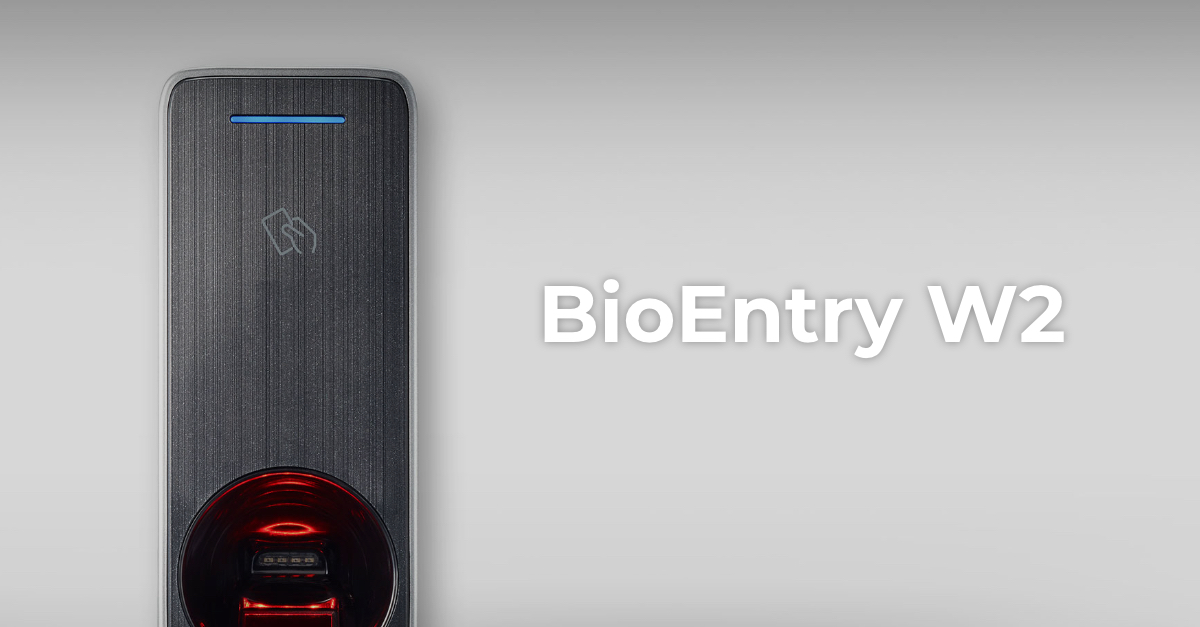 Control accesBioEntry W2Firmware V1.8.3 build 260807 · 25.08.2026
 Control accesBioLite N2Firmware V1.7.2 build 260818 · 26.08.2026
 Control accesCoreStationFirmware V1.7.4 build 261020 · 22.10.2026Control accesViOnyxFirmware V1.1.0 build 261015 · 16.10.2026
 Control accesXPass 2Firmware V1.5.3 build 260818 · 19.08.2026
 Control accesXPass D2Firmware V1.8.5 build 260728 · 30.07.2026
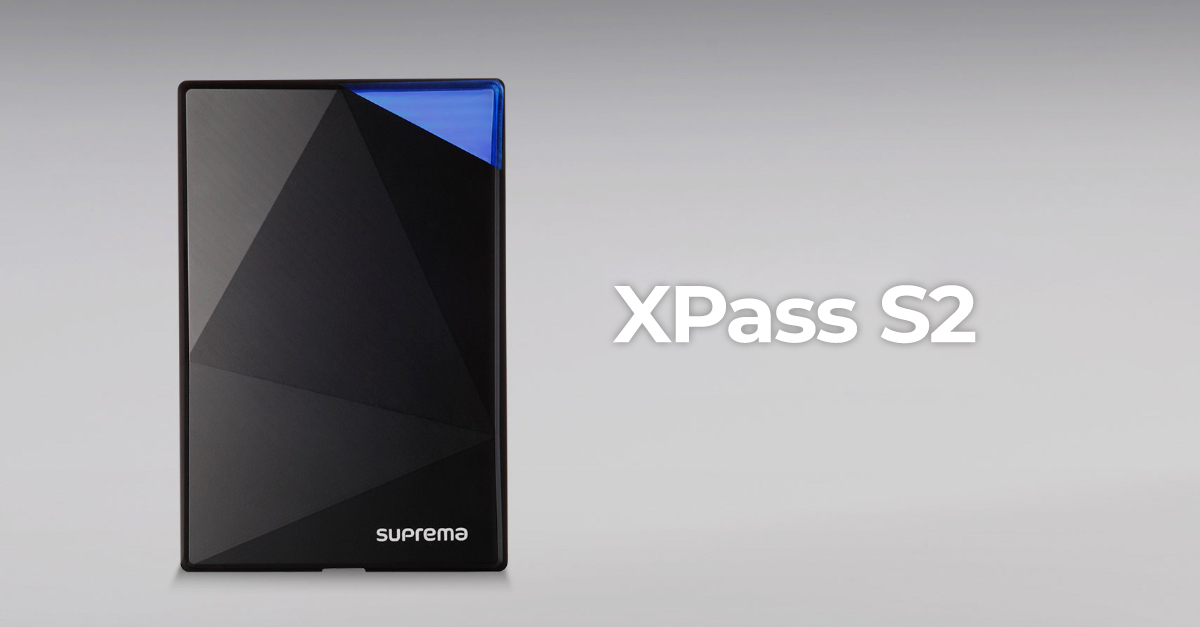 Control accesXPass S2Firmware V2.4.4 build 180724 · 04.09.2018
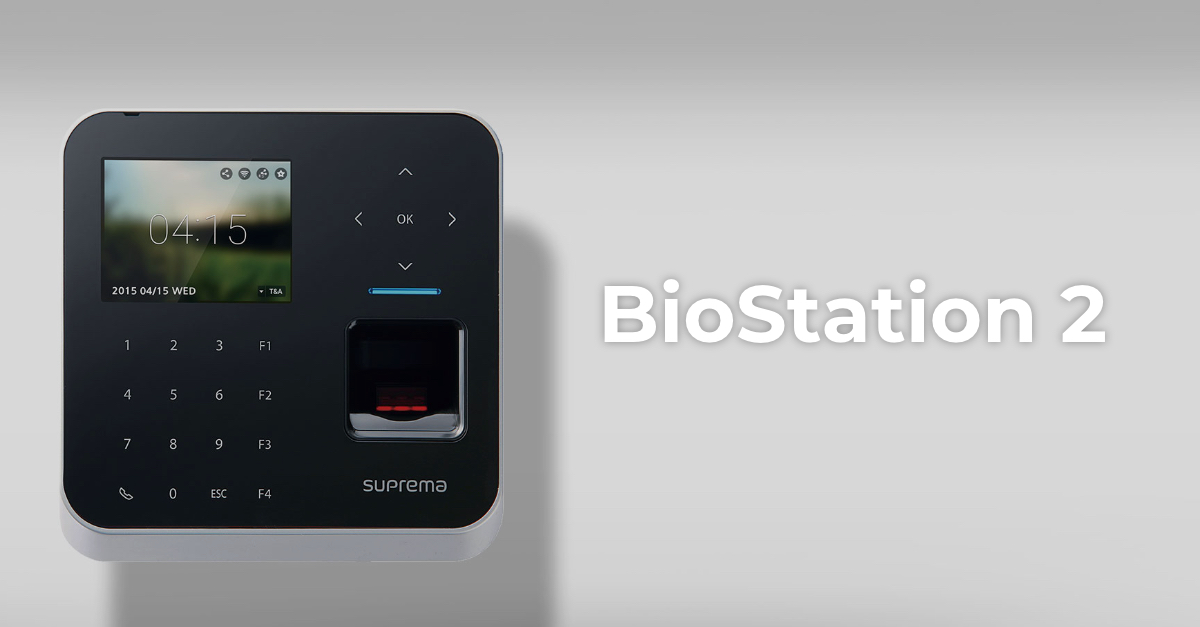 Control accesBioStation 2Fără firmware public
 Control accesBioStation A2Fără firmware public
 Control accesBioStation L2Fără firmware public