
Firmware BioEntry R2
Suprema BioEntry R2
Suprema BioEntry R2 este un dispozitiv de control acces, listat de producător la „Access control”.
Din fișa tehnică reținem: alimentare 12 V DC și funcționare între −20 și +50 °C. Ca gabarit, cântărește 158 g și are dimensiunile 50.1 x 164 x 38 (mm).
Suprema oferă pentru BioEntry R2 firmware-ul V1.4.2 build 260428, lansat la 30.04.2026. Fișierul se descarcă direct de pe serverele Suprema; IPCCTV nu găzduiește firmware.
Firmware-ul se încarcă de obicei din interfața web a aparatului sau din software-ul de administrare al producătorului.
Tabelul de specificații de mai jos conține toate datele tehnice publicate de producător, traduse în română.
Firmware actual
| Versiune | Data | Regiune | Descărcare și note |
|---|---|---|---|
| V1.4.2 build 260428BioEntry R2 firmware 1.4.2 | 30.04.2026 | Global | fișierul se descarcă din Download Center Suprema (cont gratuit, cu login) Note: Release notes (Suprema Docs) Ce e nou în această versiune (textul producătorului)Build No. 1.4.2_260428 New Features and Improvements - Improved fingerprint recognition sensor stability |
Versiuni anterioare
| Versiune | Data | Regiune | Descărcare și note |
|---|---|---|---|
| V1.4.1 build 210511BioEntry R2 firmware 1.4.1 | 01.06.2021 | Global | fișierul se descarcă din Download Center Suprema (cont gratuit, cu login) Note: Release notes (Suprema Docs) Ce e nou în această versiune (textul producătorului)Build No. 1.4.1_210511 Bug Fixes Card data were output with the wrong BitCount while the device was communicating with a 3rd party controller via OSDP. Affects version : 1.0.0 While the device was communicating with a 3rd party controller via OSDP, the device connected as a slave responded that it supported transparent mode by OSDP_PDCAP even though it did not actually support that mode. Affects version : 1.0.0 It was not able to communicate with a 3rd-party controller via OSDP with the default key before network initialization. (only for devices released with the firmware version 1.4.0 or later) Affects version : 1.4.0 It was able to communicate using default keys after changing the key settings when the device was connected to a 3rd-party device via OSDP. Affects version : 1.3.0 After initializing the slave device's settings, it was not able to connect it to a 3rd-party controller. Affects version : 1.0.0 Secure communication was not available by using the default key after downgrading firmware to version 1.3.1 or below which does not support encryption. Affects version : 1.4.0 |
| V1.4.0 build 200521BioEntry R2 firmware 1.4.0 | 27.05.2020 | Global | fișierul se descarcă din Download Center Suprema (cont gratuit, cu login) Note: Release notes (Suprema Docs) Ce e nou în această versiune (textul producătorului)Build No. 1.4.0_200521 New Features and Improvements Added feature to change device ID. Enhancement in the security of the device. Supports secure tamper. Enhancement in security of encryption keys. Restrict access through communications such as TCP/IP, RS-232, and USB. Encrypt and migrate user information. Changed the color of LED indicator. Bug Fixes A bug where OSDP Communication does not work normally if the value sent to the slave device is greater than the defined value. A bug when a device is connected as a slave device after factory default, the 'Card Type' on the device setting page becomes inactivated. |
| V1.3.1 build 190829BioEntry R2 firmware 1.3.1 | 19.09.2019 | Global | fișierul se descarcă din Download Center Suprema (cont gratuit, cu login) Note: Release notes (Suprema Docs) Ce e nou în această versiune (textul producătorului)Build No. 1.3.1_190829 New Features and Improvements - Improved the speed at which the device recognizes 13.56 MHz cards. Bug Fixes - The device recognizes the DESFire(Adv) card as a CSN if the device is restarted when the smart card layout set as DESFire(Adv). |
| V1.3.0 build 190626BioEntry R2 firmware 1.3.0 | 12.07.2019 | Global | fișierul se descarcă din Download Center Suprema (cont gratuit, cu login) Note: Release notes (Suprema Docs) Ce e nou în această versiune (textul producătorului)Build No. 1.3.0_190626 New Features and Improvements OSDP Standardization - Improved to comply with OSDP V2.1.7 protocol when connecting with 3rd-party controllers. Supports options for selection by card type. Supports the latest version of I/O module Micom (V1.3.1). Firmware upgrade status is added to LED status indicator. Bug Fixes Applies FA improvement algorithm. Authentication results are printed after LED status indicator changes color to normal during authentication. |
| V1.2.0 build 181106BioEntry R2 firmware 1.2.0 | 29.11.2018 | Global | fișierul se descarcă din Download Center Suprema (cont gratuit, cu login) Note: Release notes (Suprema Docs) Ce e nou în această versiune (textul producătorului)Build No. 1.2.0_181106 New Features and Improvements Support to AES encryption type for DESFire card. Support to DESFire/DESFire EV1 Advanced option. If the data transmission fails when communicating with OSDP, it is transmitted again. Bug Fixes When communicating with OSDP, the LED color is displayed differently from the setting. Improves I/O module Input and Output process. The device cannot read CSN because the card recognized as an NFC tag. |
| V1.1.1 build 180720BioEntry R2 firmware 1.1.1 | 25.07.2018 | Global | fișierul se descarcă din Download Center Suprema (cont gratuit, cu login) Note: Release notes (Suprema Docs) Ce e nou în această versiune (textul producătorului)Build No. 1.1.1_180720 Bug Fixes The device restarts when authentication fails. The RF module of the device gets damaged when using a 13.56 MHz card. |
| V1.1.0 build 180311BioEntry R2 firmware 1.1.0 | 23.03.2018 | Global | fișierul se descarcă din Download Center Suprema (cont gratuit, cu login) Note: Release notes (Suprema Docs) Ce e nou în această versiune (textul producătorului)Build No. 1.1.0_180311 New Features and Improvements - Support ISO14443A 10 Byte CSN. Bug Fixes Problem with reading mobile smart cards on Galaxy S4. Galaxy S5 NFC is recognized as a CSN card when authenticating with NFC and the authentication fails. Fixed that Hard APB authentication failure notification is distinguished from general authentication failure notification. Fixed to generate buzzer or sound when starting the intrusion alarm. Problem where the response rate was slow when Arm / Disarm occurred. Problem that can not connect with OSDP devices. |
| V1.0.0 build 170904BioEntry R2 firmware 1.0.0 | 04.09.2017 | Global | fișierul se descarcă din Download Center Suprema (cont gratuit, cu login) Note: Release notes (Suprema Docs) Ce e nou în această versiune (textul producătorului)Build No. 1.0.0_170904 Initial firmware developed. |
Specificații BioEntry R2
Credential
| Biometrics | Fingerprint |
|---|---|
| RF Option | 125kHz EM & 13.56MHz MIFARE, MIFARE Plus, DESFire, DESFire EV1/EV2/EV3 , FeliCa |
| RF read range | MIFARE/DESFire: 50 mm, EM/Felica: 30 mm |
Protections
| IP rating | Nesuportat |
|---|---|
| IK rating | Nesuportat |
Fingerprint
| Template | SUPREMA / ISO 19794-2 / ANSI 378 |
|---|---|
| Extractor / Matcher | MINEX certified and compliant |
| Live Fingerprint Detection | Nesuportat |
General
| Procesor | 1.0 GHz |
|---|---|
| Memory | 32MB Flash + 32MB RAM |
| Crypto Chip | Suportat |
| Afișaj | Nesuportat |
| LED | Multi-color |
| Sound | Multi-tone Buzzer |
| Temperatură de funcționare | -20°C ~ 50°C (-4°F ~ 122°F) |
| Temperatură de depozitare | -40°C ~ 70°C (-40°F ~ 158°F) |
| Umiditate de funcționare | 0% ~ 80%, fără condensare |
| Umiditate de depozitare | 0% ~ 90%, fără condensare |
| Greutate | Device: 158g, Bracket: 39g (Including washer and bolt) |
| Dimension (WxHxD, mm) | 50.1 x 164 x 38 (mm) |
| Certificări | CE, UKCA, KC, FCC, RoHS, REACH, WEEE |
Interfețe
| Ethernet | Nesuportat |
|---|---|
| Wi-Fi | Nesuportat |
| RS-485 | 1ch Slave |
| RS-485 Communication Protocol | OSDP V2 Compliant |
| Wiegand | Nesuportat |
| Input | Nesuportat |
| Releu | Nesuportat |
| USB | Nesuportat |
| Card SD | Nesuportat |
| PoE | Nesuportat |
| Intercom | Nesuportat |
| Anti-sabotaj | Suportat |
Electric
| Alimentare | Voltage: 12 Vdc Current: Max. 0.2 A |
|---|
Notes
| DESFire EV2/EV3 cards are supported by having backward compatibility of DESFire EV1 cards. CSN and smart card functions are compatible with BioEntry R2. The RF detection range may vary depending on the installation environment. |
Specificațiile sunt cele publicate de Suprema, cu etichetele traduse în română (preluate la 05.11.2026). Ce nu am tradus a rămas în engleză.
Documente oficiale
Denumiri și variante: Suprema BioEntry R2, BER2-OD
Modele din aceeași serie
 Control accesBioEntry P2Firmware V1.6.1 build 260427 · 29.04.2026
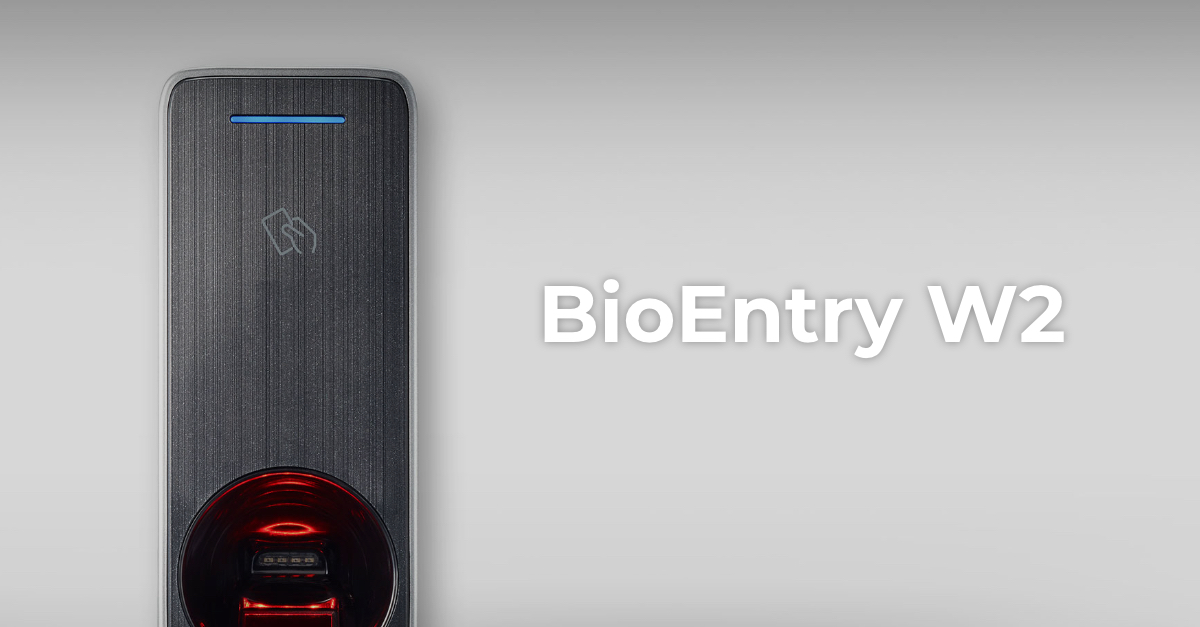 Control accesBioEntry W2Firmware V1.8.3 build 260807 · 25.08.2026
 Control accesBioLite N2Firmware V1.7.2 build 260818 · 26.08.2026
 Control accesCoreStationFirmware V1.7.4 build 261020 · 22.10.2026
 Control accesFaceStation 2Firmware V1.5.5 build 240821 · 26.08.2024Control accesViOnyxFirmware V1.1.0 build 261015 · 16.10.2026
 Control accesXPass 2Firmware V1.5.3 build 260818 · 19.08.2026
 Control accesXPass D2Firmware V1.8.5 build 260728 · 30.07.2026
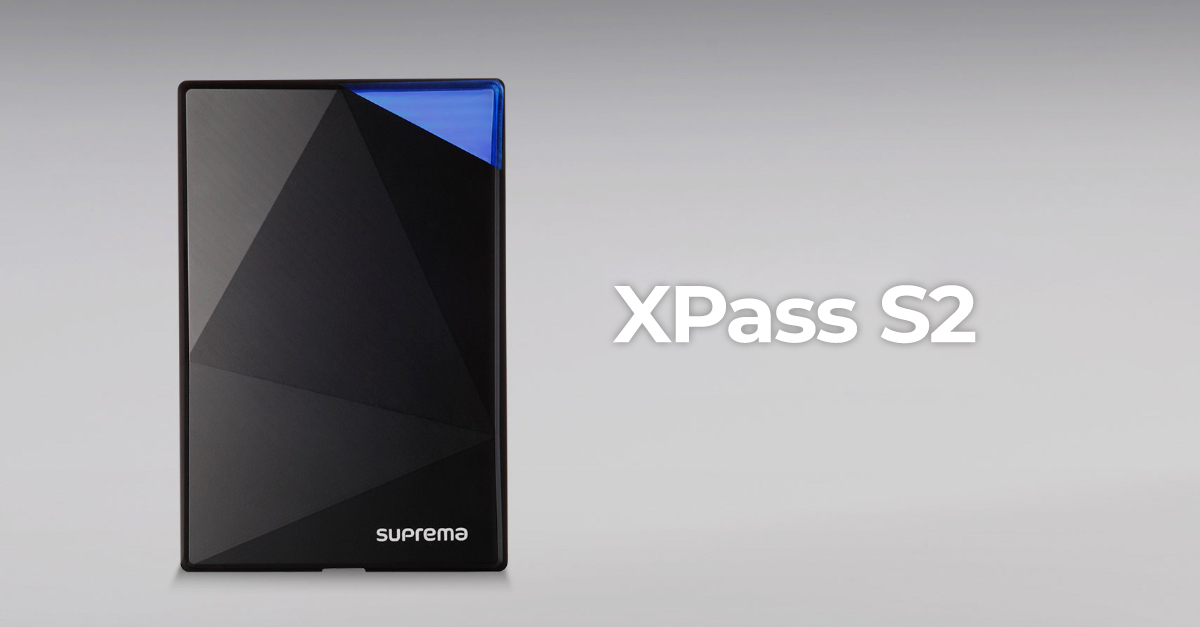 Control accesXPass S2Firmware V2.4.4 build 180724 · 04.09.2018
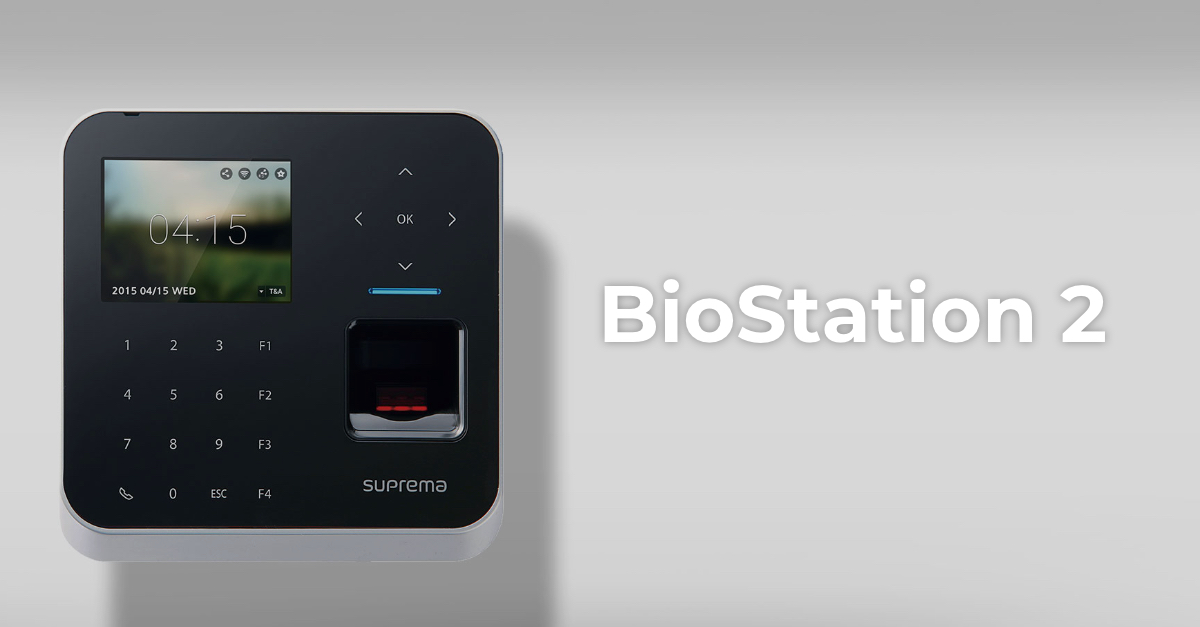 Control accesBioStation 2Fără firmware public
 Control accesBioStation A2Fără firmware public
 Control accesBioStation L2Fără firmware public