2N · Control acces · Access control
Firmware 2N Access Unit QR
Ultima versiune: V3.3.1 · 31.08.2026
Înainte de actualizare: verifică pe eticheta aparatului modelul exact și versiunea hardware
și folosește firmware-ul din regiunea aparatului (de exemplu Global sau Europa). Un firmware greșit poate bloca aparatul.
Nu întrerupe alimentarea în timpul actualizării.
2N Access Unit QR este un dispozitiv de control acces 2N din categoria „Access control”.
Fișa tehnică completă a modelului 2N Access Unit QR se adaugă automat pe această pagină la următoarea actualizare din catalogul oficial 2N.
2N oferă pentru 2N Access Unit QR firmware-ul V3.3.1, lansat la 31.08.2026. Fișierul se descarcă direct de pe serverele 2N; IPCCTV nu găzduiește firmware.
Firmware-ul se încarcă de obicei din interfața web a aparatului sau din software-ul de administrare al producătorului.
Firmware actual
| Versiune | Data | Regiune | Descărcare și note |
|---|---|---|---|
| V3.3.1Firmware 3.3.1 - 2N Access Unit QR | 31.08.2026 | Global | 68 MB Note de versiuneSHA-256: 0c2bd259c198704c9462e237f0ef6f02bc4269d92954e550fa78e6882ae91d12 Fișier: firmware_3_3_1_2n_access_unit_qr.zip 2N OS version 3.3.1 for 2N IP Access Control Systems includes the following changes New Functions and Improvements Added mobile access support for Electronic Locks. A new NFC Electronic Locks option in Services > Access Control > Secured Cards enables users to add access keys via 2N Access Commander, pair with the My2N app over Bluetooth, and use NFC in the mobile app to unlock 2N Fortis locks. Essential Corrections Updated several internal libraries. Important bug fixes. 2N OS version 3.3.0 for 2N IP Access Control Systems includes the following changes New Functions and Improvements Firmware management has been consolidated into a new dedicated section: System > Firmware, including firmware auto provisioning settings. Automatic firmware updates — firmware can now be updated automatically on device startup or on a configurable periodic schedule. LTS track support — devices can now be assigned to a Long-Term Support firmware track. Auto provisioning for answering units — firmware auto provisioning is now supported on answering units as well. Added an option to disable all on-device firmware operations entirely. Added support for new card type: ICODE® SLI (NXP SL2ICS20) The Integration > Access Control > Lift feature now supports AXIS A9210 and A9910 Network I/O Relay Modules. Their relay outputs can be mapped to specific floors within the access control interface, enabling extended floor control and integration into existing elevator management systems. This provides a more compact and cost-effective footprint for multi-story installations. Essential Corrections The `SendHttpRequest` Automation block now correctly encodes unsafe characters using percent encoding. To send the backslash `\` and comma `,` characters, they must be escaped with a preceding backslash `\`, otherwise they are used for escaping and separating parameters, respectively. For example, to send a command containing this text: `https://127.0.0.1/axis-cgi/io/port.cgi?action=2:\`, the backslash must be escaped with a `\` as follows: `https://127.0.0.1/axis-cgi/io/port.cgi?action=2:\\`. This results in a correctly encoded HTTP command: `https://127.0.0.1/axis-cgi/io/port.cgi?action=2%3A%5C`. Fixed a time profile-related crash in the user detail view of the new web interface. Fixed auto discovery communication mode (plain, MAC, encrypted) for DESFire cards. Updated several internal libraries. Important bug fixes. |
Versiuni anterioare
| Versiune | Data | Regiune | Descărcare și note |
|---|---|---|---|
| V3.3.0Firmware 3.3.0 - 2N Access Unit QR | 05.08.2026 | Global | 67 MB Note de versiuneSHA-256: 249d8cdb5ecd2402ed088eebcc184affb0733e3e6efacb78bcfbc2cc4ddd561d Fișier: firmware_3_3_0_2n_access_unit_qr.zip 2N OS version 3.3.0 for 2N IP Access Control Systems includes the following changes New Functions and Improvements Firmware management has been consolidated into a new dedicated section: System > Firmware, including firmware auto provisioning settings. Automatic firmware updates — firmware can now be updated automatically on device startup or on a configurable periodic schedule. LTS track support— devices can now be assigned to a Long-Term Support firmware track. Auto provisioning for answering units — firmware auto provisioning is now supported on answering units as well. Added an option to disable all on-device firmware operations entirely. Added support for new card type: ICODE® SLI (NXP SL2ICS20) The Integration > Access Control > Lift feature now supports AXIS A9210 and A9910 Network I/O Relay Modules. Their relay outputs can be mapped to specific floors within the access control interface, enabling extended floor control and integration into existing elevator management systems. This provides a more compact and cost-effective footprint for multi-story installations. Essential Corrections The `SendHttpRequest` Automation block now correctly encodes unsafe characters using percent encoding. To send the backslash `\` and comma `,` characters, they must be escaped with a preceding backslash `\`, otherwise they are used for escaping and separating parameters, respectively. For example, to send a command containing this text: `https://127.0.0.1/axis-cgi/io/port.cgi?action=2:\`, the backslash must be escaped with a `\` as follows: `https://127.0.0.1/axis-cgi/io/port.cgi?action=2:\\`. This results in a correctly encoded HTTP command: `https://127.0.0.1/axis-cgi/io/port.cgi?action=2%3A%5C`. Fixed a time profile-related crash in the user detail view of the new web interface. Fixed auto discovery communication mode (plain, MAC, encrypted) for DESFire cards. Updated several internal libraries. Important bug fixes. |
| V3.2.0Firmware 3.2.0 - 2N Access Unit QR | 20.05.2026 | Global | 66 MB Note de versiuneSHA-256: 7a6ec55513717f3becd88f012cfdc3213da21882aa93734bd7bc61624cdf9c68 Fișier: firmware_3_2_0_2n_access_unit_qr.zip 2N OS version 3.2.0 for 2N IP Access Control Systems includes the following changes New Functions and Improvements Improved camera image quality with new fisheye corrections. Users can adjust `Custom Image Crop` and toggle `Fisheye Correction` in `Customization > Camera > Internal Camera` to achieve the desired angle of view. Note that `Custom Image Crop` changes are only applied after a stream restart. Redesigned the `Access > Access Rules` section for an improved user experience. Added the ability to bypass on-device access control via `Integration > Access Control > Override`; available modes include: 2N on-device access control : Device is managed by 2N access control. Genetec Synergis : Device is managed by Genetec Synergis access control. Axis access control : Device is managed by Axis access control. Essential Corrections Fixed a memory leak in Automation. Added and corrected `originator` parameter values in `DtmfEntered` and `SwitchStateChanged` events to accurately reflect the action origin. Added support for a new Vbus display revision. Fixed an issue where Access Unit M failed to signalize switch hold after a reboot. Improved configuration import speed and stability. Updated several internal libraries. Important bug fixes. |
| V3.1.0Firmware 3.1.0 - 2N Access Unit QR | 03.03.2026 | Global | 65 MB Note de versiuneSHA-256: 228b7dadec5bdd01a1bf755592fe78f2a3423891a47228130513b627ab1dfe75 Fișier: firmware_3_1_0_2n_access_unit_qr.zip 2N OS version 3.1.0 for 2N IP Access Control Systems includes the following changes Precautions to be taken during update to FW version 3.1.x Devices no longer emit audible beeps during boot or network state changes by default. If required, this behavior can be enabled under `Customization > Audio > Startup and Network States Signalization`. It may be necessary to refresh the webpage to access the login screen when updating from older firmware because this version generates new device certificates. Essential Corrections Improved stability when using 2N Electronic Locks. Fixed the detection algorithm for logical loops in Automation. Improved SMTP compatibility. Fixed an issue with 2N Electronic Locks that limited the device directory to 2000 users. Automation functions containing the ProfileStateChanged block no longer return an error after reboot. Updated several internal libraries. Other corrections and fixes. |
| V3.0.2Firmware 3.0.2 - 2N Access Unit QR | 30.12.2025 | Global | 64 MB Note de versiuneSHA-256: 74f47b44bdfca7de8594be85e64b35d4b7fb38e4839399deb1e5dfed2fd3ebd2 Fișier: firmware_3_0_2_2n_access_unit_qr.zip 2N OS version 3.0.2 for 2N IP Access Control Systems includes the following changes Important update notice If you are updating from version 3.0.0, the new web interface cannot download firmware from the update server. Update the device using the old web interface or manually upload a newer firmware file. Essential Corrections Fixed an issue that prevented downloading a new firmware from the update server via the new web interface. As a workaround when updating from version 3.0.0, use the old web interface or manually upload a newer firmware file to the device. Important bug fixes. 2N OS version 3.0.0 for 2N IP Access Control Systems includes the following changes Precautions to be taken during update to FW version 3.0.x For security reasons, network settings can no longer be modified using 2N Network Scanner. All 2N OS devices (except those on the original platform: IP Vario, IP Force, IP Safety, IP Solo, IP/LTE Verso, IP Base, IP Uni, IP Audio Kit, IP Video Kit, Access Unit, SIP Speaker) can no longer be downgraded below version 2.47.0 after updating. Devices no longer accept certificates signed with 1024-bit RSA keys. These certificates are removed during the update and must be replaced with certificates using at least 2048-bit RSA or ECC keys. Services relying on weaker certificates will stop functioning, and a warning will appear next to the certificate selection parameter in the web interface. In EAP-TLS mode, 802.1x no longer supports RADIUS certificates containing the `id-kp-clientAuth` Extended Key Usage. If such certificates are used, they will be rejected after the update, resulting in the device being unable to authenticate and connect to the network. Introducing the MVP of our new graphical interface We are excited to deliver the first Minimum Viable Product of our redesigned graphical interface. This initial release brings several impactful improvements that make everyday work smoother and more intuitive. Among the most notable additions are guided wizards, an enhanced search experience, and other usability upgrades aimed at significantly improving overall user interaction. Because this is an MVP, some features are still in development. We will continue to refine, expand, and optimize the interface over the coming updates to ensure it reaches its full potential as quickly as possible. If you’re interested in learning how you can support the ongoing development of the new interface and share your feedback with us, please visit the following link: https://www.2n.com/-/media/Files/Web/downloads/Introducing-the-New-2N-Web-Interface New Functions and Improvements Support for 2N Electronic Locks is now included as part of the standard firmware release. Essential Corrections Private keys are no longer exposed via `GET /api/mobilekey/config`. Updated several internal libraries. Web configuration pages for Automation feat |
| V2.49.1.80Firmware 2.49.1.80 - 2N Access Unit QR - 2N Fortis support · Etichetă regiune: Fortis | 18.11.2025 | Global | 62 MB Note de versiuneSHA-256: e049840fc7ca2e18da341582a081fd94c4e335395c6361afe7eaf92c434988f2 Fișier: firmware_2_49_1_80_2n_access_unit_qr.zip 2N OS version 2.49.1 for 2N IP Access Control Systems includes the following changes Essential Corrections Updated an internal library containing critical vulnerabilities. Fixed a critical issue with DNS which caused the device to, e.g., become unable to re-register to a SIP server after its IP address changes. This also solved other DNS-related issues. Important bug fixes. 2N OS version 2.49.0 for 2N IP Access Control Systems includes the following changes Precautions to be taken during update to FW version 2.49.x Empty device names are no longer supported. Set the name via Services > Web Server > Device Name. If left blank, the device may fail to update. All 2N OS devices (except those on the original platform: IP Vario, IP Force, IP Safety, IP Solo, IP/LTE Verso, IP Base, IP Uni, IP Audio Kit, IP Video Kit, Access Unit, SIP Speaker) can no longer be downgraded below version 2.47.0 after updating. Devices no longer accept certificates signed with 1024-bit RSA keys. These certificates are removed during the update and must be replaced with certificates using at least 2048-bit RSA or ECC keys. Services relying on weaker certificates will stop functioning, and a warning will appear next to the certificate selection parameter in the web interface. In EAP-TLS mode, 802.1x no longer supports RADIUS certificates containing the `id-kp-clientAuth` Extended Key Usage. If such certificates are used, they will be rejected after the update, resulting in the device being unable to authenticate and connect to the network. New Functions and Improvements The administrator account now accepts "root" as a valid username as well. AXIS Camera Station integration has been significantly improved: The ACS tab in the web interface is now renamed to AXIS. AXIS Camera Station integration is now always enabled and accessible using the device's administrator account. After the initial login to the web interface, the "root" username can also be used for ACS access. An optional dedicated ACS account is now available. If ACS was previously enabled with both username and password configured, the dedicated account can still be used. If your dedicated ACS account used "admin" or "root" as the username and had the same password as the administrator account, it will be merged with the administrator account and you can continue using the same credentials. If your dedicated ACS account used "admin" or "root" but had a different password from the administrator account, it will be migrated to a temporary administrator account. You can continue using the same credentials, and the account will be merged with the administrator account after its password is updated. 2N IP Utility can now also be used to configure IP settings after the default password has been changed. Separate parameters are now available to independently enable and select modes for both License Plat |
| V2.49.1.75Firmware 2.49.1.75 - 2N Access Unit QR | 22.10.2025 | Global | 62 MB Note de versiuneSHA-256: 8227d853faa88ed89a4cf6233d6b14e1e9bc98590adb323b2074d217839c8851 Fișier: firmware_2_49_1_2n_access_unit_qr.zip 2N OS version 2.49.1 for 2N IP Access Control Systems includes the following changes Essential Corrections Updated an internal library containing critical vulnerabilities. Fixed a critical issue with DNS which caused the device to, e.g., become unable to re-register to a SIP server after its IP address changes. This also solved other DNS-related issues. Important bug fixes. 2N OS version 2.49.0 for 2N IP Access Control Systems includes the following changes Precautions to be taken during update to FW version 2.49.x Empty device names are no longer supported. Set the name via Services > Web Server > Device Name. If left blank, the device may fail to update. All 2N OS devices (except those on the original platform: IP Vario, IP Force, IP Safety, IP Solo, IP/LTE Verso, IP Base, IP Uni, IP Audio Kit, IP Video Kit, Access Unit, SIP Speaker) can no longer be downgraded below version 2.47.0 after updating. Devices no longer accept certificates signed with 1024-bit RSA keys. These certificates are removed during the update and must be replaced with certificates using at least 2048-bit RSA or ECC keys. Services relying on weaker certificates will stop functioning, and a warning will appear next to the certificate selection parameter in the web interface. In EAP-TLS mode, 802.1x no longer supports RADIUS certificates containing the `id-kp-clientAuth` Extended Key Usage. If such certificates are used, they will be rejected after the update, resulting in the device being unable to authenticate and connect to the network. New Functions and Improvements The administrator account now accepts "root" as a valid username as well. AXIS Camera Station integration has been significantly improved: The ACS tab in the web interface is now renamed to AXIS. AXIS Camera Station integration is now always enabled and accessible using the device's administrator account. After the initial login to the web interface, the "root" username can also be used for ACS access. An optional dedicated ACS account is now available. If ACS was previously enabled with both username and password configured, the dedicated account can still be used. If your dedicated ACS account used "admin" or "root" as the username and had the same password as the administrator account, it will be merged with the administrator account and you can continue using the same credentials. If your dedicated ACS account used "admin" or "root" but had a different password from the administrator account, it will be migrated to a temporary administrator account. You can continue using the same credentials, and the account will be merged with the administrator account after its password is updated. 2N IP Utility can now also be used to configure IP settings after the default password has been changed. Separate parameters are now available to independently enable and select modes for both License Plate R |
| V2.48.1Firmware 2.48.1 - 2N Access Unit QR | 06.08.2025 | Global | 58 MB Note de versiuneSHA-256: c9b9302dbc59f3a16f339240490111f636ef5dc63a7da1a8809acf60b8eb536f Fișier: firmware_2_48_1_2n_access_unit_qr.zip 2N OS version 2.48.1 for 2N IP Access Control Systems includes the following changes Precautions to be taken during update to FW version 2.48.x All 2N OS devices (except those on the original platform: IP Vario, IP Force, IP Safety, IP Solo, IP/LTE Verso, IP Base, IP Uni, IP Audio Kit, IP Video Kit, Access Unit, SIP Speaker) can no longer be downgraded below version 2.47.0 after updating. Devices no longer accept certificates signed with 1024-bit RSA keys. These certificates are removed during the update and must be replaced with certificates using at least 2048-bit RSA or ECC keys. Services relying on weaker certificates will stop functioning, and a warning will appear next to the certificate selection parameter in the web interface. In EAP-TLS mode, 802.1x no longer supports RADIUS certificates containing the `id-kp-clientAuth` Extended Key Usage. If such certificates are used, they will be rejected after the update, resulting in the device being unable to authenticate and connect to the network. New Functions and Improvements Devices can now generate Certificate Signing Requests (CSR) directly from the web interface under System > Certificates > CSR. Changing the web interface password now requires entering the current password. As a result, restoring a configuration will no longer change the password. Auto Provisioning can change the password only if the current one is still set to default. A firewall has been added to ARTPEC-based devices: IP Style, IP Verso 2.0, IP One, Access Unit QR, and IP Force 2.0. Essential Corrections Improved certificate handling. Prevented some certificates from reverting to factory defaults after a software factory reset (without selecting Network Settings), avoiding potential network disconnection. Removed certain unnecessary syslog messages. Improved formatting of exported Directory CSV files. The `UserAuthorized` Automation block now behaves correctly even for failed authorizations. DNS request lengths can now be up to 255 characters. RADIUS certificates are now validated properly in EAP-TLS/MSCHAPv2 scenarios. Commas in the Subject field of the `SendEmail` Automation block no longer cause the subject line to be truncated. Improved SMTP reliability. Enhanced handling of large-scale user directory operations. Important bug fixes. |
| V2.48.0Firmware 2.48.0 - 2N Access Unit QR - 2N Fortis support · Etichetă regiune: Fortis | 12.08.2025 | Global | 58 MB Note de versiuneSHA-256: 8a7f680f5b5b4b60aef3266e4b0455416f037f5f005b7585d9e81c052d061606 Fișier: firmware_2_48_0_2n_access_unit_qr.zip 2N OS version 2.48.0 for 2N IP Access Control Systems includes the following changes Precautions to be taken during update to FW version 2.48.x All 2N OS devices (except those on the original platform: IP Vario, IP Force, IP Safety, IP Solo, IP/LTE Verso, IP Base, IP Uni, IP Audio Kit, IP Video Kit, Access Unit, SIP Speaker) can no longer be downgraded below version 2.47.0 after updating. Devices no longer accept certificates signed with 1024-bit RSA keys. These certificates are removed during the update and must be replaced with certificates using at least 2048-bit RSA or ECC keys. Services relying on weaker certificates will stop functioning, and a warning will appear next to the certificate selection parameter in the web interface. In EAP-TLS mode, 802.1x no longer supports RADIUS certificates containing the `id-kp-clientAuth` Extended Key Usage. If such certificates are used, they will be rejected after the update, resulting in the device being unable to authenticate and connect to the network. New Functions and Improvements Support for 2N Electronic Locks with Secure Cards added. Devices can now generate Certificate Signing Requests (CSR) directly from the web interface under System > Certificates > CSR. Changing the web interface password now requires entering the current password. As a result, restoring a configuration will no longer change the password. Auto Provisioning can change the password only if the current one is still set to default. A firewall has been added to ARTPEC-based devices: IP Style, IP Verso 2.0, IP One, Access Unit QR, and IP Force 2.0. Essential Corrections Improved certificate handling. Prevented some certificates from reverting to factory defaults after a software factory reset (without selecting Network Settings), avoiding potential network disconnection. Removed certain unnecessary syslog messages. Improved formatting of exported Directory CSV files. The `UserAuthorized` Automation block now behaves correctly even for failed authorizations. DNS request lengths can now be up to 255 characters. RADIUS certificates are now validated properly in EAP-TLS/MSCHAPv2 scenarios. Commas in the Subject field of the `SendEmail` Automation block no longer cause the subject line to be truncated. Improved SMTP reliability. Enhanced handling of large-scale user directory operations. Important bug fixes. |
Denumiri și variante: Access Unit QR
Modele din aceeași serie
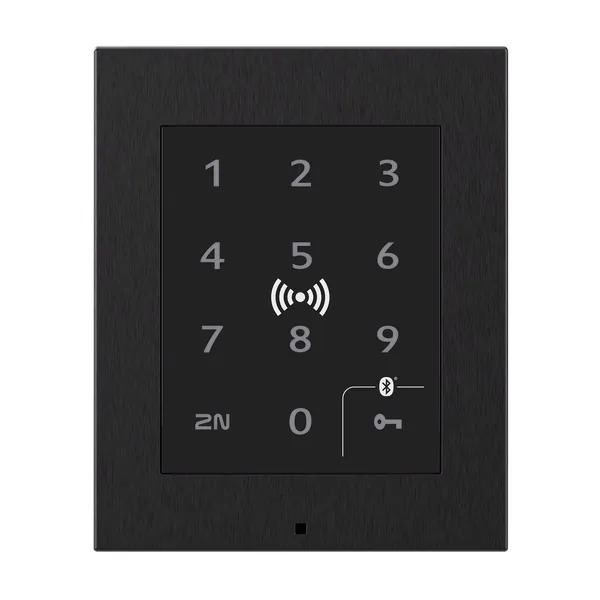 Control acces2N Access UnitFirmware V2.50.2 · 02.10.2026
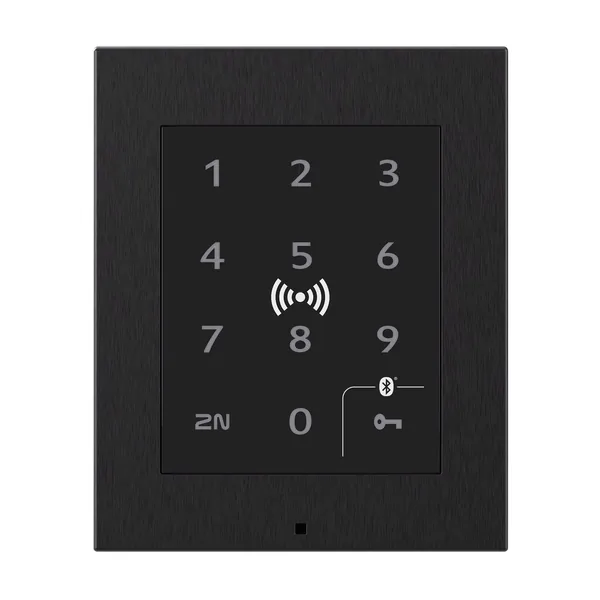 Control acces2N Access Unit 2.0Firmware V3.3.1 · 31.08.2026
 Control acces2N Access Unit MFirmware V3.3.1 · 31.08.2026
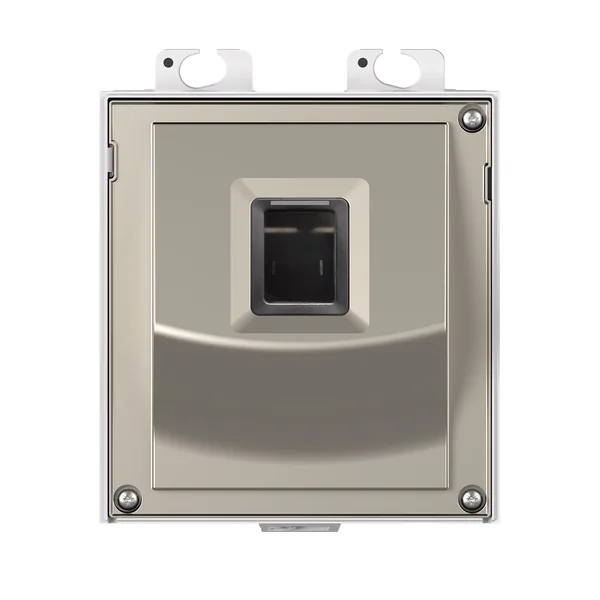 Control acces916031Firmware V3.3.1 · 31.08.2026
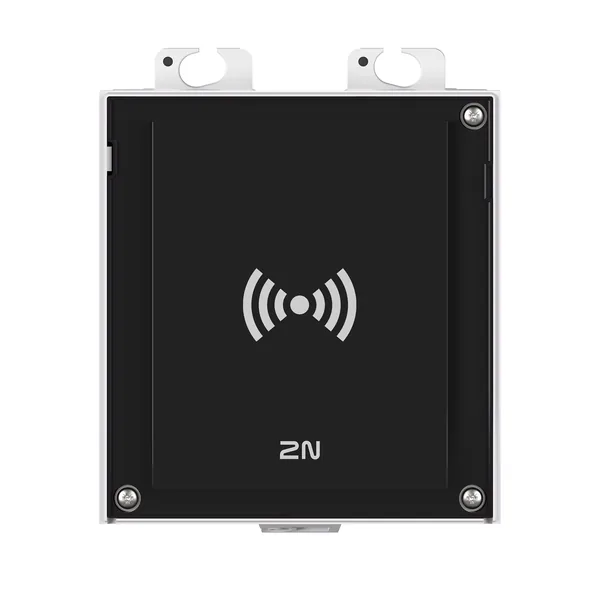 Control acces9160341Firmware V3.3.1 · 31.08.2026
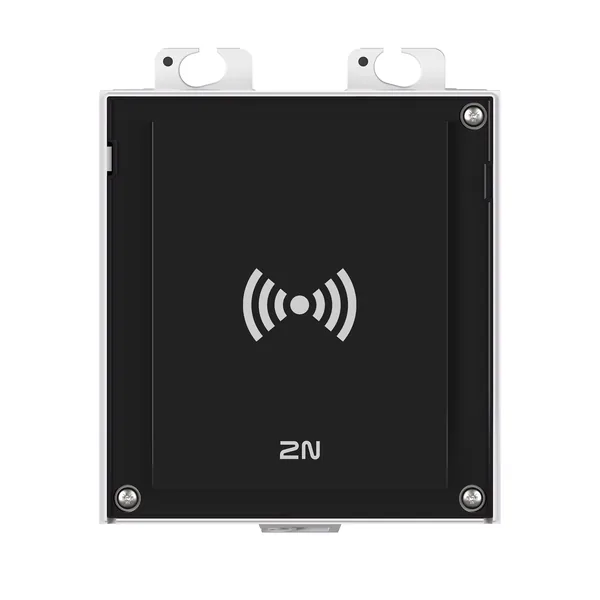 Control acces9160342Firmware V3.3.1 · 31.08.2026
 Control acces9160342-SFirmware V2.50.2 · 02.10.2026
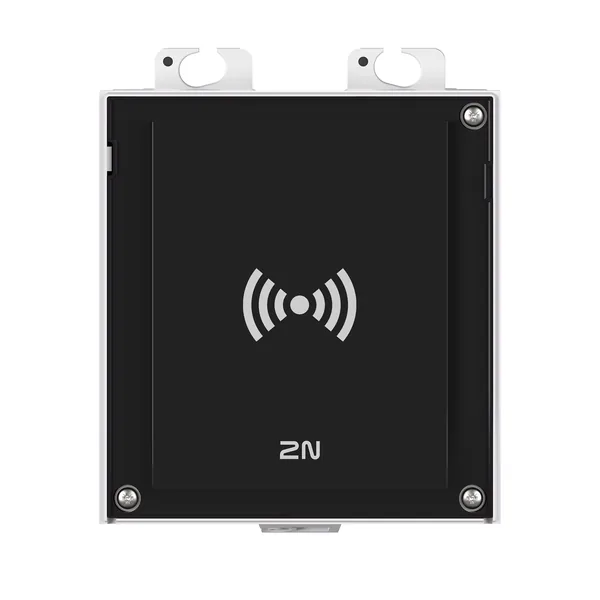 Control acces9160344Firmware V3.3.1 · 31.08.2026
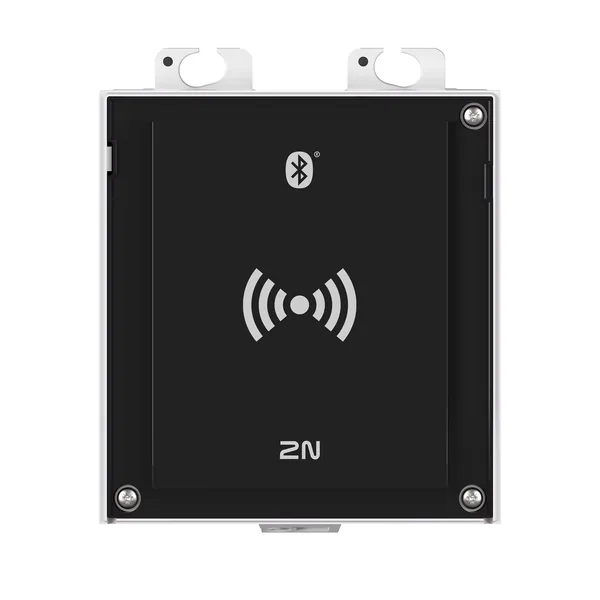 Control acces9160345Firmware V3.3.1 · 31.08.2026
 Control acces9160345-SFirmware V2.50.2 · 02.10.2026Control acces2N Access Unit 2 0 RFID Multifrequency SecuredFără firmware publicControl acces2N Access Unit 2 0 Touch KeypadFără firmware public