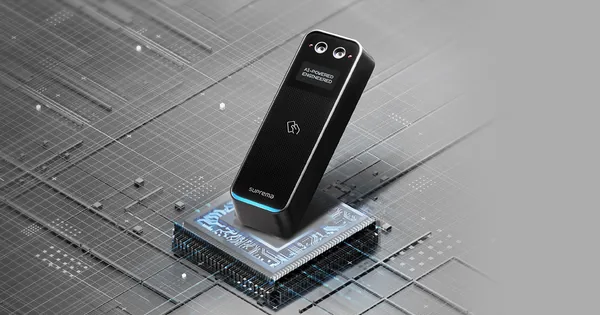
Firmware BioEntry W3
Suprema BioEntry W3
- PoE
- IP67
Suprema BioEntry W3 este un dispozitiv de control acces, listat de producător la „Biometric readers & terminals”.
Printre caracteristicile tehnice se numără ecran de 1,3", alimentare PoE (802.3af), protecție IP67, rezistență la impact IK08 și funcționare între −20 și +50 °C. Aparatul cântărește 283 g și are dimensiunile 50 x 160 x 34.15 (mm).
La ultima verificare, cel mai nou firmware pentru BioEntry W3 era V1.0.4 build 260812 (25.08.2026). Pagina se actualizează zilnic din lista oficială Suprema.
Firmware-ul se încarcă de obicei din interfața web a aparatului sau din software-ul de administrare al producătorului.
Tabelul de specificații de mai jos conține toate datele tehnice publicate de producător, traduse în română.
Firmware actual
| Versiune | Data | Regiune | Descărcare și note |
|---|---|---|---|
| V1.0.4 build 260812BioEntry W3 firmware 1.0.4 | 25.08.2026 | Global | fișierul se descarcă din Download Center Suprema (cont gratuit, cu login) Note: Release notes (Suprema Docs) Ce e nou în această versiune (textul producătorului)Build No. 1.0.4_260812 Caution After upgrading the firmware to v1.0.3, it is not able to downgrade to an earlier version of the firmware. For more information, check the serial number of the device and contact the Suprema . New Features and Improvements - Improved OSDP reader mode to display "Access Denied" when access is denied by a third-party control panel. - Improved BLE stability. Bug Fixes - Suprema Mobile Access authentication failing on certain Android devices. Affects version : 1.0.0 - Devices that do not support the buzzer failing to connect when integrated with an OSDP panel. Affects version : 1.0.0 - DESFire EV2 cards failing to write when issuing a Secure Credential Card. Affects version : 1.0.2 - CSN value being transmitted to the Wiegand in device for EV1 cards when the Secure Messaging enforcement option is enabled on a bypass-configured Wiegand device. Affects version : 1.0.2 - Card authentication not working on slave devices when the master device is downgraded to a version that does not support Secure Messaging. Affects version : 1.0.2 - Exception codes not being output when tagging an EV1 card on a device connected via OSDP with the Secure Messaging enforcement option enabled. Affects version : 1.0.2 - An incorrect authentication failure reason is displayed when authenticating with an EV1 card on a slave device with Secure Messaging enabled. Affects version : 1.0.2 - CSN value being output for EV1 cards on a slave device connected to a third-party controller via OSDP when the Secure Messaging enforcement option is enabled. Affects version : 1.0.2 |
Versiuni anterioare
| Versiune | Data | Regiune | Descărcare și note |
|---|---|---|---|
| V1.0.3 build 260609BioEntry W3 firmware 1.0.3 | 12.06.2026 | Global | fișierul se descarcă din Download Center Suprema (cont gratuit, cu login) Note: Release notes (Suprema Docs) Ce e nou în această versiune (textul producătorului)Build No. 1.0.3_260609 Caution After upgrading the firmware to v1.0.3, it is not able to downgrade to an earlier version of the firmware. For more information, check the serial number of the device and contact the Suprema . New Features and Improvements - Reflects global cybersecurity standards and the latest security requirements. |
| V1.0.2 build 260512BioEntry W3 firmware 1.0.2 | 13.05.2026 | Global | fișierul se descarcă din Download Center Suprema (cont gratuit, cu login) Note: Release notes (Suprema Docs) Ce e nou în această versiune (textul producătorului)Build No. 1.0.2_260512 New Features and Improvements - Supported EV2 Secure Messaging authentication and issuance for DESFire EV2 and EV3 cards. Bug Fixes - Firmware upgrade via USB failing to proceed because the firmware file is not detected. Affects version : 1.0.0 |
| V1.0.1 build 241024BioEntry W3 firmware 1.0.1 | 07.11.2024 | Global | fișierul se descarcă din Download Center Suprema (cont gratuit, cu login) Note: Release notes (Suprema Docs) Ce e nou în această versiune (textul producătorului)Build No. 1.0.1_241024 New Features and Improvements Supports the RTSP Video Resolution feature of selecting the resolution of the video output from the device when using RTSP . Supports FeliCa card from Custom Smart Card Layout . Supports the Auth Result Display Option that allows you to select how the user ID and name are displayed on the authentication result screen of the device. User ID Display User Name Display Supports mobile application Device Manager, which allows setting up devices by connecting via BLE. - Device Manager v1.2.0 or later Improved face anti-spoofing performance. Info We recommend using the Fake Detection feature set to Normal in environments with strong sunlight. Supports the Require No Mask option that allows rejecting authentication for users wearing a mask during face authentication. Bug Fixes When the Reset Time for Timed Anti PassBack is set to 0, anti-passback does not work. Affects version : 1.0.0 Device does not recognize certain RF cards. Affects version : 1.0.0 When the device's Device → Server setting gets inactive while the device is on the Waiting Device list of BioStar 2, the device still appears in the Waiting Device list, and the BioStar 2 connect icon is displayed at the top of the device. Affects version : 1.0.0 The device freezes when the RS-485 mode on the device is set to Not Use using the SDK. Affects version : 1.0.0 When the device is connected as a slave and the Auth Timeout is set to 20 seconds, an authentication error occurs if the card is repeatedly authenticated while waiting for facial authentication after card authentication. Affects version : 1.0.0 Some smart cards fail to be recognized in environments using the new SE chip firmware. Affects version : 1.0.0 |
| V1.0.0 build 240807BioEntry W3 firmware 1.0.0 | 07.08.2024 | Global | fișierul se descarcă din Download Center Suprema (cont gratuit, cu login) Note: Release notes (Suprema Docs) Ce e nou în această versiune (textul producătorului)Build No. 1.0.0_240807 Initial Firmware Developed. |
Specificații BioEntry W3
Credential
| Biometrics | Face |
|---|---|
| RF Option | BEW3-DB: 125kHz EM & 13.56MHz MIFARE, MIFARE Plus, DESFire, DESFire EV1/EV2/EV3, FeliCa BEW3-APB: 125kHz EM, HID Prox & 13.56MHz MIFARE, MIFARE Plus, DESFire, DESFire EV1/EV2/EV3, FeliCa, iCLASS SE/SR/Seos |
| RF read range | BEW3-DB: MIFARE/DESFire/EM: 50 mm, FeliCa: 30 mm BEW3-APB: MIFARE/DESFire/EM/iCLASS: 50 mm, FeliCa/HID Prox: 30 mm |
| Mobile Card | NFC, BLE |
Protections
| IP rating | IP67 |
|---|---|
| IK rating | IK08 |
Face
| Authentication Distance | 0.3 ~ 1.0 m |
|---|---|
| Authentication Height | 1.4 ~ 1.9 m |
| Matching speed | Within 0.2 seconds |
| Live Face Detection | Suportat |
Capacitate
| Max. User | 100,000 |
|---|---|
| Max. Credential (1:N) | Face: 30,000 Card: 100,000 |
| Max. Credential (1:1) | Face: 30,000 Card: 100,000 |
| Max. Text Log | 1,000,000 |
| Max. Image Log | 10,000 |
General
| Procesor | 1.5 GHz Quad Core |
|---|---|
| Memory | 16 GB Flash + 2 GB RAM |
| Crypto Chip | Suportat |
| Afișaj | 1.3” PMOLED |
| Cameră | IR: 2M pixels Visual: 2M pixels |
| LED | Multi-color |
| Sound | 16 bit |
| Temperatură de funcționare | -20 °C ~ 50 °C |
| Temperatură de depozitare | -40 °C ~ 70 °C |
| Umiditate de funcționare | 0 % ~ 80 %, fără condensare |
| Umiditate de depozitare | 0 % ~ 90 %, fără condensare |
| Greutate | BEW3-DB: Device: 283 g Bracket: 36 g BEW3-APB: Device: 291 g Bracket: 36 g |
| Dimension (WxHxD, mm) | 50 x 160 x 34.15 (mm) |
| Certificări | CE, UKCA, KC, FCC, IC, RCM, BIS, ANATEL, SIG, RoHS, REACH, WEEE, EAC, TELEC |
Interfețe
| Ethernet | Supported (10/100 Mbps, auto MDI/MDI-X) |
|---|---|
| Protocol de rețea | TCP, UDP |
| RS-485 | 1 ch Master / Slave (Selectable) |
| RS-485 Communication Protocol | OSDP V2 compliant |
| Wiegand | 1 ch Input and 1 ch Output |
| Input | 3 ch Inputs |
| Releu | 1 Relay |
| USB | USB 2.0 (Type C), only FW-Upgrade |
| USB expansion port | Suportat |
| PoE | BEW3-DB: Not supported BEW3-APB: Supported (IEEE 802.3af compliant) |
| RTSP (Real Time Streaming Protocol) | Suportat |
| Anti-sabotaj | Suportat |
Electric
| Alimentare | Voltage: 12 Vdc, Current: Max. 1.0 A Voltage: 24 Vdc, Current: Max. 0.6 A |
|---|
Notes
| RF read range will vary depending on the installation environment. The minimum face authentication distance shown is the default setting for the product, and the recommended face authentication distance is 0.6 – 1.0 m. The number of users registered without having any credential data. |
Specificațiile sunt cele publicate de Suprema, cu etichetele traduse în română (preluate la 05.11.2026). Ce nu am tradus a rămas în engleză.
Documente oficiale
Denumiri și variante: Suprema BioEntry W3, BEW3-DB, BEW3-APB
Modele din aceeași serie
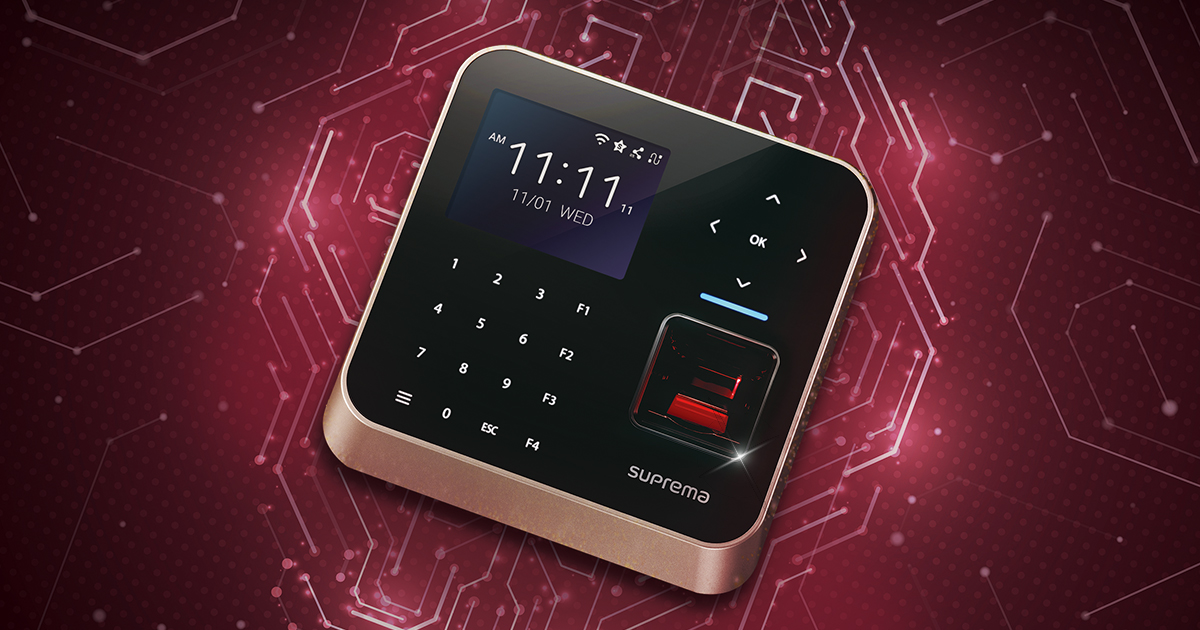 Control accesBioStation 2aFirmware V1.2.4 build 260810 · 25.08.2026
 Control accesBioStation 3Firmware V1.5.1 build 260918 · 22.09.2026
 Control accesBioStation 3 MaxFirmware V1.1.0 build 260922 · 23.09.2026
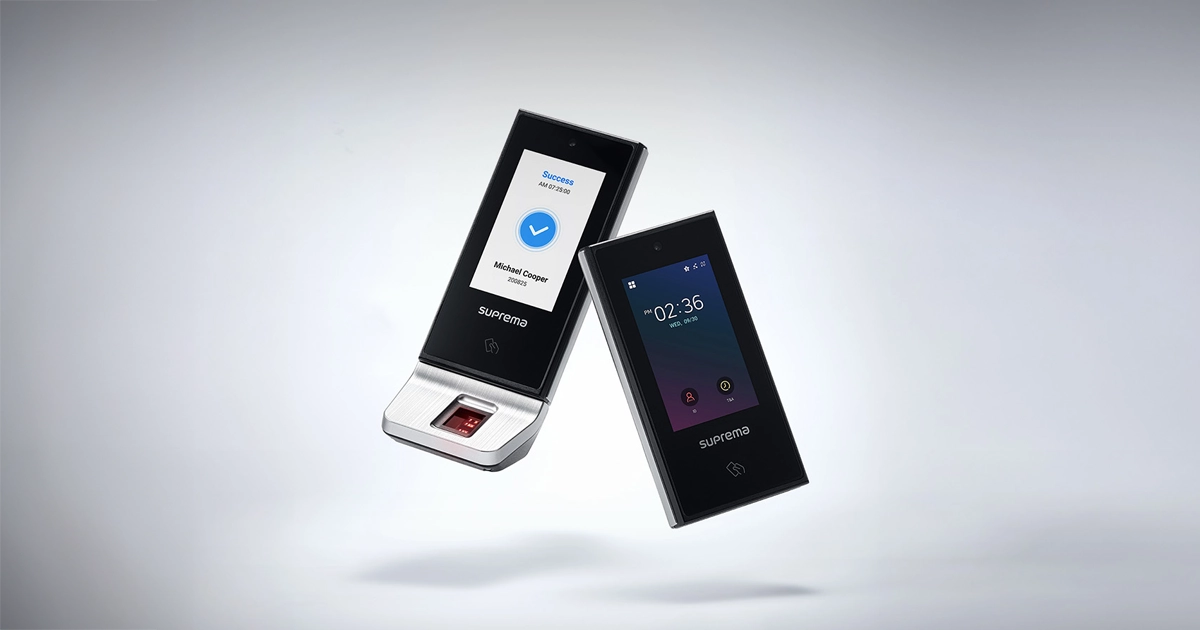 Control accesX-Station 2Firmware V1.4.2 build 260819 · 26.08.2026