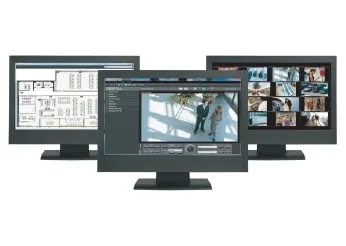
WV-ASM200 – specificații și firmware
i-PRO management software for multi-recorder multi-site system (discontinued)
WV-ASM200 este un echipament i-PRO din categoria „ASM300”.
În catalogul i-PRO apare ca „i-PRO management software for multi-recorder multi-site system (discontinued)”.
Nu există un firmware public de la i-PRO pentru WV-ASM200. Mai jos scrie cum se actualizează.
Tabelul de specificații de mai jos conține toate datele tehnice publicate de producător, traduse în română.
Cum se actualizează WV-ASM200
i-PRO nu publică firmware pentru acest produs.
Firmware-ul se încarcă de obicei din interfața web a aparatului sau din software-ul de administrare al producătorului.
Dacă producătorul publică pe viitor un fișier de firmware pentru acest model, îl adăugăm automat pe această pagină.
Specificații WV-ASM200
Product information
| Category | ASM300 |
|---|---|
| Status | Discontinued |
| Successor model | WV-ASM300 |
Specificații
| Camera Control (Depending on the Camera) | Pan/Tilt, Zoom, Focus, Brightness, Preset position call and program (up to 256),Auto mode (SEQ, SORT, AUTO PAN, PATROL, AUTO TRACK), AUX 1 ~ 3, Click centering, Wheel zoom, Drag and zoom |
|---|---|
| Recorder Control (Depending on the Recorder) | REC, PLAY, Rev PLAY, Pause, Stop, FF (up to 96x), REW (up to 96x), Prev Record, Next Record, Prev Image, Next Image, Skip (up to 60 min.), Rev Skip, (up to 60 min.) Text |
| Event Search | Target: Recorder (Camera) / Group / Map, Search criteria: Time date, Event type, Text |
| VMD Search | In case with WJ-ND400 series, WJ-HD716/616, WJ-NV200, WV-ASR500 |
| Multiscreen Mode | Spot / Quad (A-D) / 9 split / 16 split |
| Sequence Display | 10 programs, 64 steps/pattern, Spot / Quad / 9 split / 16 split Dwell time: 3s / 5s / 10s / 15s / 20s / 25s / 30s / 35s / 40s / 45s / 50s / 55s / 1min |
| Display Performance | 30 ips x 16 screens at H.264 1.5 Mbps, 30 ips x 16 screens at MPEG-4 2 Mbps |
| Multi-Monitor | Până la 3 monitors (Operation / Live / Map), Up to 20 cameras can be displayed (Operation-4, Live-16) |
| Camera Group Display | Până la 400 groups with 16 alphanumeric titles |
| Number of Maps | Până la 100 maps (JPEG or Bit map), Link: 64 cameras and 20 maps / map |
| Image Download | Recorded images of up to 64 cameras (in case with WJ-ND400) can be downloaded Manual download only. Viewer software can be extracted from the main software. |
| SD Memory Download | Indicates the function featured in some Panasonic's cameras that transfers H.264 video files (mp4 files) saved on the SD memory card equipped with the camera to a PC using the FTP function. |
| Recorder/Camera Access | The access to the Recorder and Camera Web pages when logged in as admin |
| File Conversion | Convert a n3r file to the standard format (mp4) |
| Camera Title Display | On the GUI, Up to 16 characters |
| Clock Display | On the GUI. Time: 12H/24H, Date: 5 formats (When the image comes from the recorder) |
| Alarm Source | Panasonic alarm protocol |
| Alarm Control | Reset, Auto reset (OFF / 10s / 20s / 30s / 1min / 5min) |
| Acțiune la alarmă | Până la 16 alarm images can be displayed on the live monitor. Corresponding camera icon on the map lights up. Alarm message on the GUI and buzzer. |
| Zoom digital | Până la 4 times |
| Text Attachment | Free comment can be attached for each record and reviewed at later time. Up to 200 characters |
| System Log | Operation (100,000), System (1,000), Network error (1,000), Rec order error (1,000), Alarm (30,000) |
| Recorder Log Download | Operator access, Network error, Error, Event |
| User Management | Registration: Up to 32 users + Administrator, ID: 4-14 digit, PW: 4-8 digit, User level: 5 levels (Programmable), PW time limit: OFF / 31 / 92 / 184 / 366 days, Auto login: ON / OFF |
| Security Method | User authentication (ID and Password), Host authentication (IP address), Alteration detection, Activation Key Card |
| System Setup | Setup page in English, French, Italian, Spanish, German, Russian, Chinese, Japanese |
| Limba interfeței | English, French, Italian, Spanish, German, Russian, Chinese, Japanese |
| Supported OS | Microsoft® Windows® 8.1 Pro 32bit/64bit, Microsoft® Windows® 8 Pro 32bit/64bit, Microsoft® Windows® 7 Professional SP1 32bit/64bit, Microsoft® Windows Vista® Business SP2 32bit/64bit The language of the OS must be same as selected GUI language. |
| Required PC | [CPU] Intel® Core™ i5-2400, 2500, Intel® Core™ i7-860 or faster When adding the license for WV-ASE202 and displaying images on a 64-screen: Intel® Core™ i7-3770 When adding the license for WV-ASE205 (Visibility enhancement function) : Intel® Core™ i7-4770 or faster *Recommend a PC exclusively for WV-ASE205. [Memory] 3 GB or more, When using more than one live window: 4 GB [Graphic accelerator] VRAM: 512 MB or more, compatible with Microsoft® DirectX® 9.0c or later When using WV-ASE202: NVIDIA NVS510 x 2 When using WV-ASE205 (Visibility enhancement function): NVIDIA GeForce® GTX 660 or more (The version GeForce 332.21 or later is recommended for the driver software) [CD-ROM drive] Necessary to install this software [Required HDD space] Approx. 3GB [Monitor] 1280x800 pixels or more (1920x1080 pixels recommended), 24-bit True color or better (Full color recommended) [Network interface] 100/1000 Mbps Network interface card must be installed. [Web browser] Microsoft® Internet Explorer® 7.0, 8.0, 9.0 |
| Proxy | HTTP proxy supported (IP address and port No.) |
| FTP | Passive/Active |
| Playback Control | Play, Rev Play, Pause, FF, REW, Prev Record, Next Record, Prev Image, Next Image |
| Additional Functions | Alteration detection, Save as JPEG, Two times zoom, Print |
Specificațiile sunt cele publicate de i-PRO, cu etichetele traduse în română (preluate la 06.11.2026). Ce nu am tradus a rămas în engleză.
Documente oficiale
- A&E Spec Sheet: WV-ASM200, ASE200 Series A&E
- Installation Guide: WV-ASM200 Installation Guide (English)
- Installation Guide: WV-ASM200 Setup Instructions (English)
- User Manual/Operating Instruction: WV-ASM200 Operating Instructions (English)
- Software: WV-ASM200 Previous version Software (English)
- Software: WV-ASM200 Software
- Software: WV-ASM200, ASM300 how to register the options for the product in use
- Release Note: WV-ASM200 Version history
- Technical Document: WV-ASM200 Addendum (English)
- Technical Document: WV-ASM200 How to Upgrade
- Technical Document: WV-ASM200, ASE200 Series Capability, Information
Modele din aceeași serie
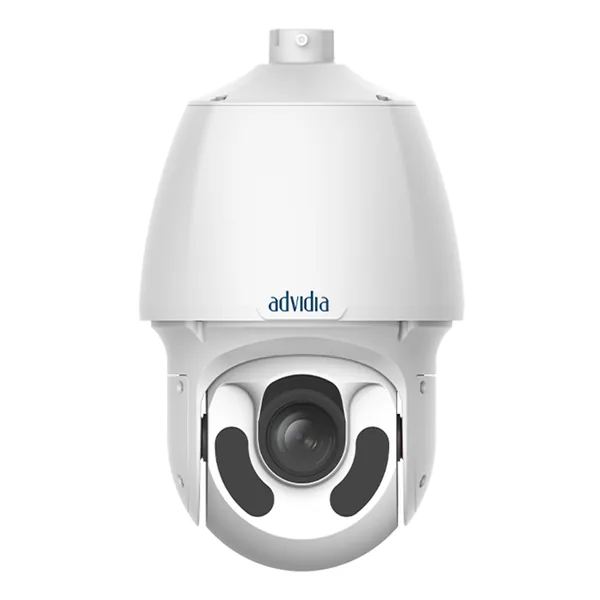 Cameră PTZM-200-PFirmware publicat
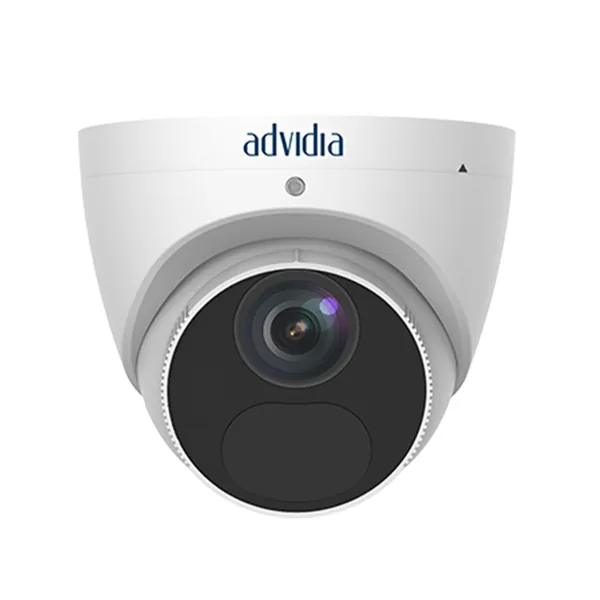 Cameră IPM-24-FW-TFirmware publicat
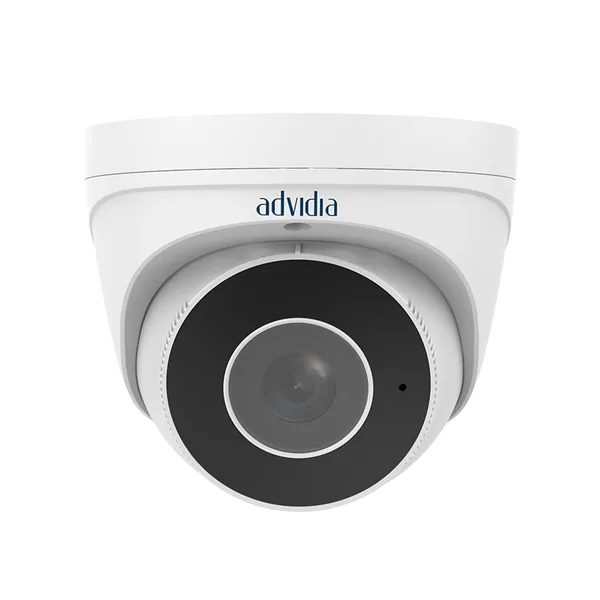 Cameră IPM-24-V-TFirmware publicat
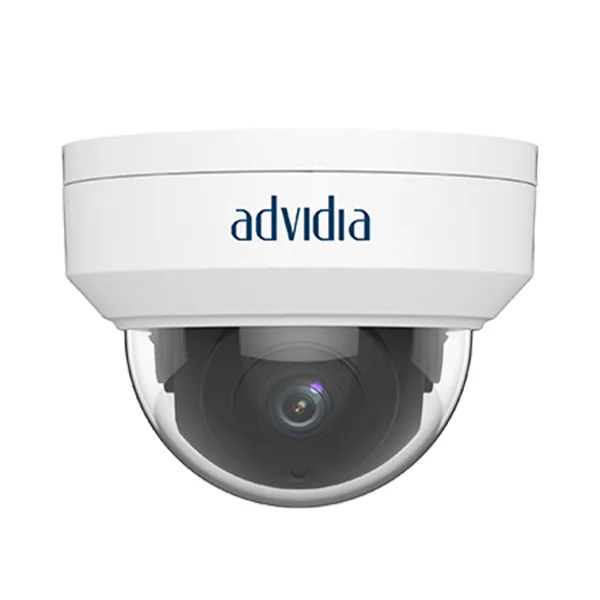 Cameră IPM-26-FWFirmware publicat
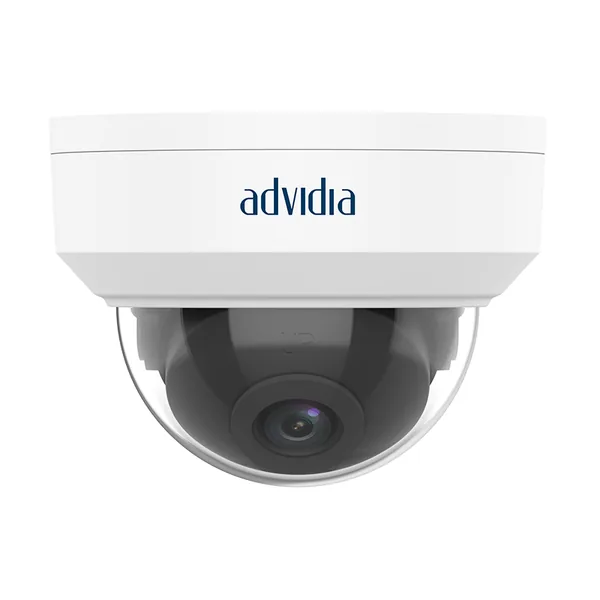 Cameră IPM-26-FW-V2Firmware publicat
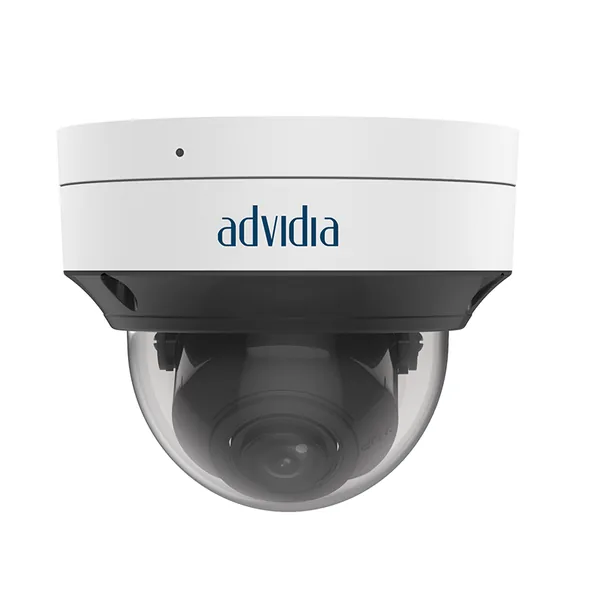 Cameră IPM-26-VFirmware publicat
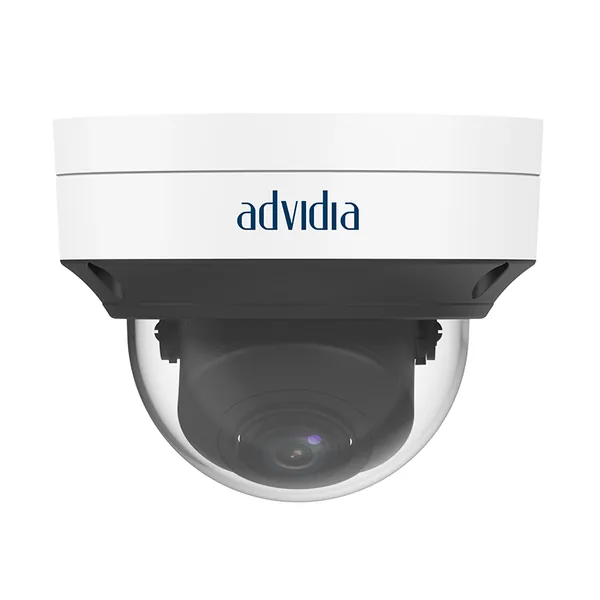 Cameră IPM-26-V-V2Firmware publicat
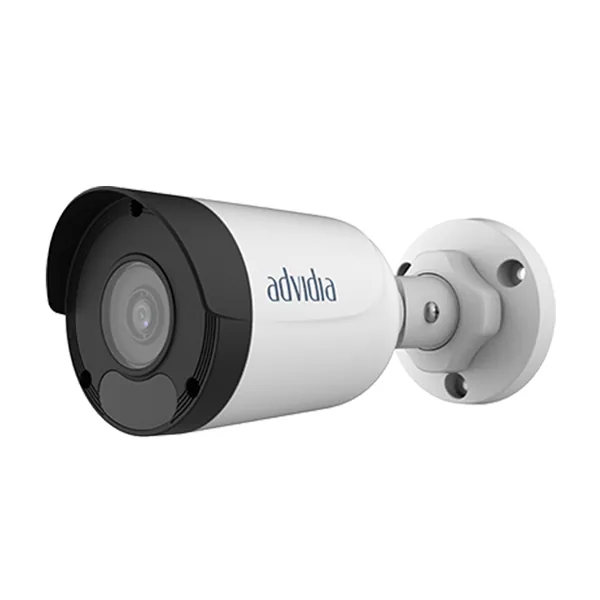 Cameră IPM-29-FWFirmware publicat
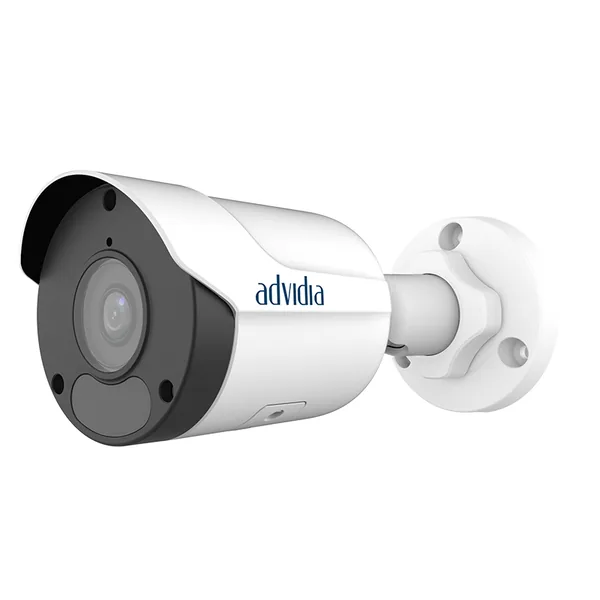 Cameră IPM-29-FW-V2Firmware publicat
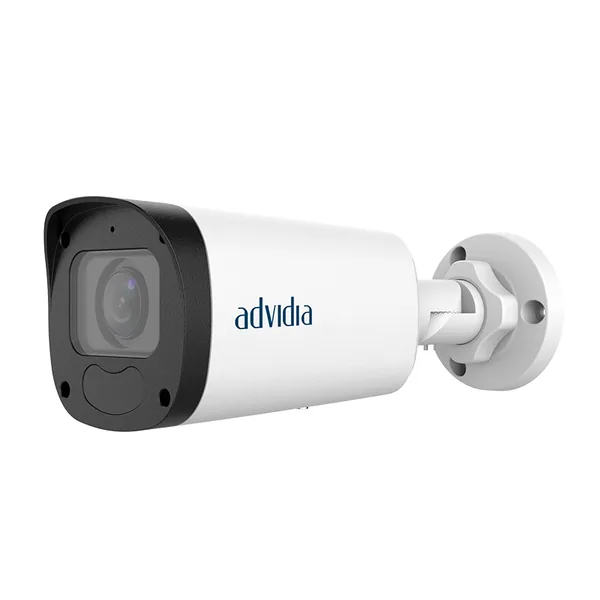 Cameră IPM-29-VFirmware publicat
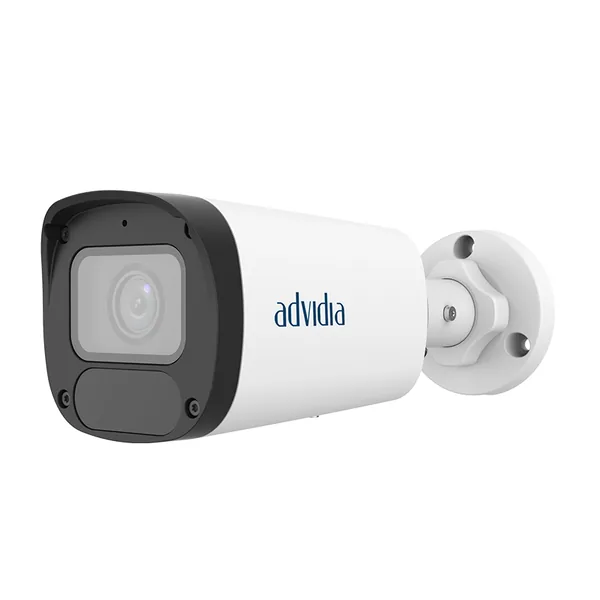 Cameră IPM-29-V-V2Firmware publicat
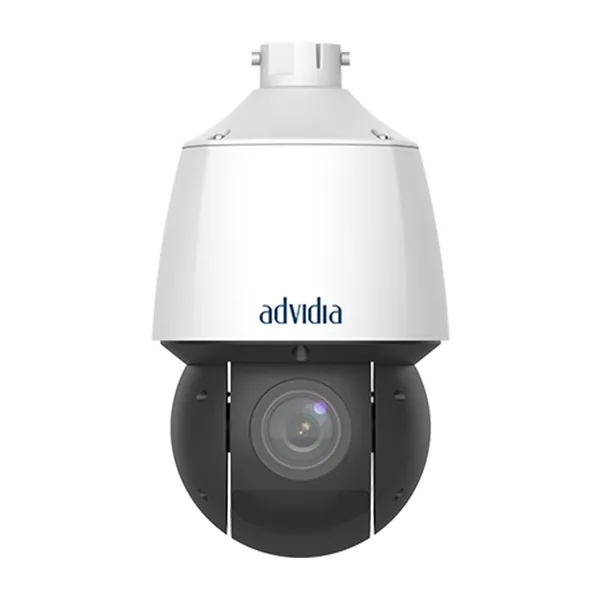 Cameră PTZM-400-PFirmware publicat