Akuvox · Videointerfon · Door phones
Firmware DB01
Ultima versiune: V201.30.10.17
Înainte de actualizare: verifică pe eticheta aparatului modelul exact și versiunea hardware
și folosește firmware-ul din regiunea aparatului (de exemplu Global sau Europa). Un firmware greșit poate bloca aparatul.
Nu întrerupe alimentarea în timpul actualizării.
Akuvox DB01 este un dispozitiv de videointerfon, listat de producător la „Door phones”.
Specificațiile detaliate pentru DB01 se preiau zilnic din catalogul Akuvox și apar aici imediat ce sunt publicate.
Ultima versiune de firmware publicată de Akuvox pentru DB01 este V201.30.10.17. Mai jos găsești link-ul oficial de descărcare, notele de versiune și versiunile anterioare.
Firmware-ul se încarcă de obicei din interfața web a aparatului sau din software-ul de administrare al producătorului.
Firmware actual
| Versiune | Data | Regiune | Descărcare și note |
|---|---|---|---|
| V201.30.10.17DB01 201.30.10.17 | — | Global |
Versiuni anterioare
| Versiune | Data | Regiune | Descărcare și note |
|---|---|---|---|
| V201.30.10.12DB01 201.30.10.12 | 29.07.2025 | Global | versiune veche: Akuvox dă link doar pentru versiunea curentă (LTS / Release) Note: Release notes (Akuvox Knowledge Base) Note de versiuneAkuvox are și o versiune Beta (201.30.10.22), nerecomandată pentru instalări. Supported SmartPlus Version: V6.5 New Feature - Changed image message upload to the cloud from FTP to HTTPS. |
| V201.30.10.10DB01 201.30.10.10 | 22.05.2025 | Global | versiune veche: Akuvox dă link doar pentru versiunea curentă (LTS / Release) Note: Release notes (Akuvox Knowledge Base) Ce e nou în această versiune (textul producătorului)Supported SmartPlus Version: V6.5 New Feature - Updated daylight saving time. |
| V201.30.10.9DB01 201.30.10.9 | 11.12.2024 | Global | versiune veche: Akuvox dă link doar pentru versiunea curentă (LTS / Release) Note: Release notes (Akuvox Knowledge Base) Ce e nou în această versiune (textul producătorului)Supported SmartPlus Version: V6.5 Fixed Bug - Resolved the green screen issue for call preview with indoor monitors. |
| V201.30.10.6DB01 201.30.10.6 | 21.05.2024 | Global | versiune veche: Akuvox dă link doar pentru versiunea curentă (LTS / Release) Note: Release notes (Akuvox Knowledge Base) Ce e nou în această versiune (textul producătorului)Supported SmartPlus Version: V6.5 New Features 1. Added high-security mode. - It is disabled by default after the device upgrades to the new version from an old one without high security mode. - It is enabled by default after resetting the device. 2. Can not be used with old version tools if enable high security mode, while applicable to new version tools: - IP Scanner:2.2.0.0 or newer - SDMC:6.0.0.43 or newer - Upgrade Tool: 4.1.0.0 or newer 3. Changes the import/export encryption method of the tgz configuration file to AES256. It is not allowed to import/export tgz configuration files between a new version device and an old version device without high security mode. 4. Modified HTTP door-opening logic. - It only supports new format URLs if the high security mode is enabled. - It supports both old and new format URLs if the high security mode is disabled. 5. It is compatible with passwords in the old version. Note - Before downgrading the device from the new version to an older version without high security mode, it's necessary to update to the transition version first. - For access to the transition version, please get in touch with our technical support team. The transition version is exclusively for the upgrade process and is not intended for regular use. |
Modele din aceeași serie
VideointerfonE11Firmware V111.30.10.16 · 28.03.2025VideointerfonE12Firmware V312.87.10.101 · 05.09.2023VideointerfonE13Firmware V13.30.10.32 · 22.12.2025VideointerfonE16Firmware V416.30.12.109 · 27.10.2026VideointerfonE18Firmware V218.30.11.206 · 30.10.2026VideointerfonE20Firmware V120.1.1.40 · 01.04.2026VideointerfonE21Firmware V321.30.10.31 · 30.01.2026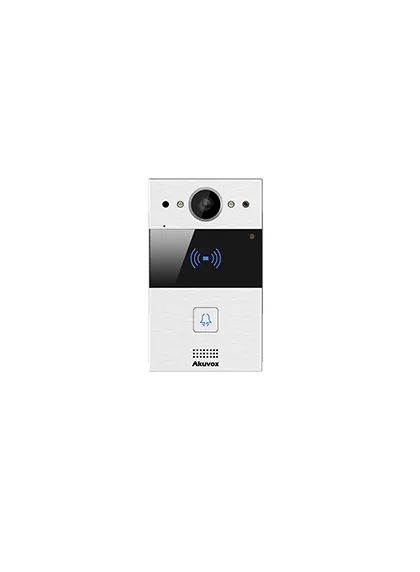 VideointerfonR20Firmware V320.87.10.107 · 02.04.2024
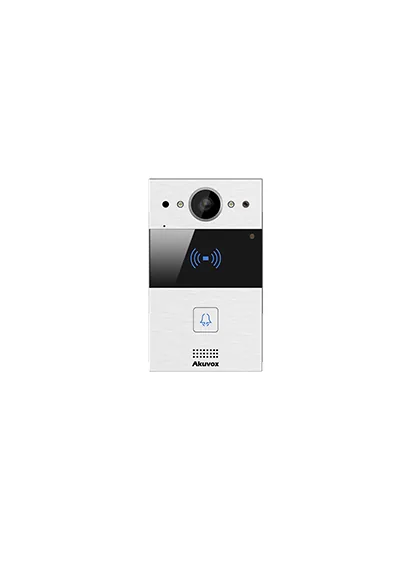 VideointerfonR20AFirmware V220.30.4.108 · 08.11.2024VideointerfonR25Firmware V25.30.10.212 · 11.09.2026VideointerfonR26Firmware V226.30.2.109VideointerfonR27Firmware V227.30.10.101
VideointerfonR20Firmware V320.87.10.107 · 02.04.2024VideointerfonR20AFirmware V220.30.4.108 · 08.11.2024VideointerfonR25Firmware V25.30.10.212 · 11.09.2026VideointerfonR26Firmware V226.30.2.109VideointerfonR27Firmware V227.30.10.101